

ALL-IN-ONE POS FEATURES

Restaurant POS Features for Faster Operations

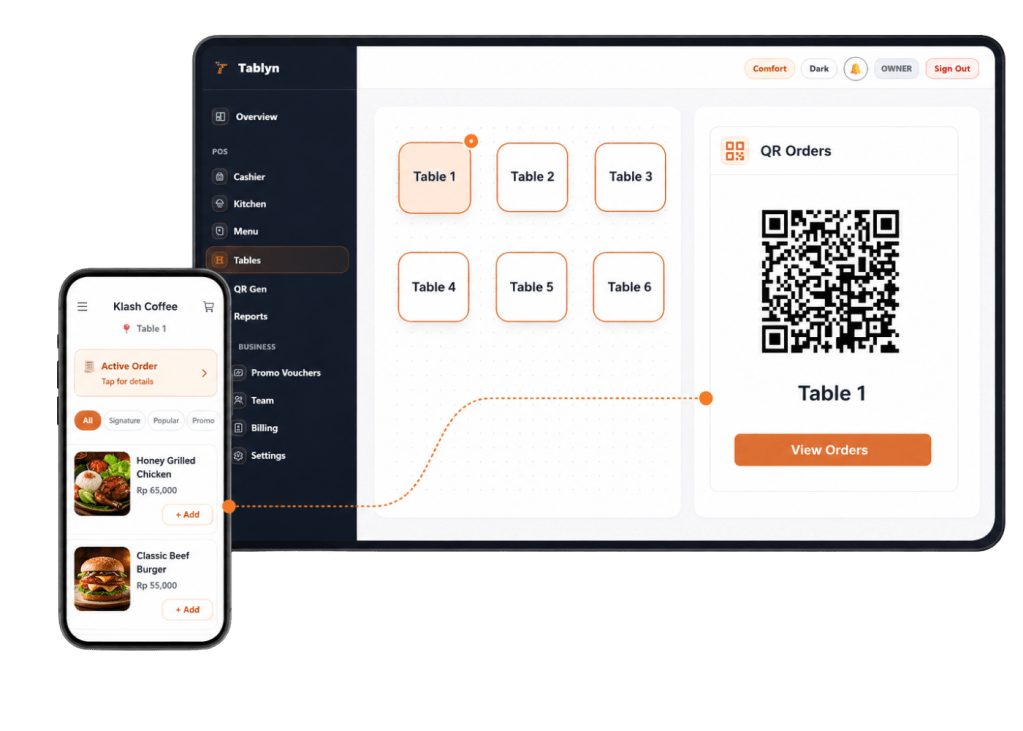
Tablyn brings QR ordering, kitchen display, cashier checkout, menu management, table QR codes, stock control, and sales reports into one connected Restaurant POS system, so your team can work faster with less manual chaos.

Restaurant POS Features

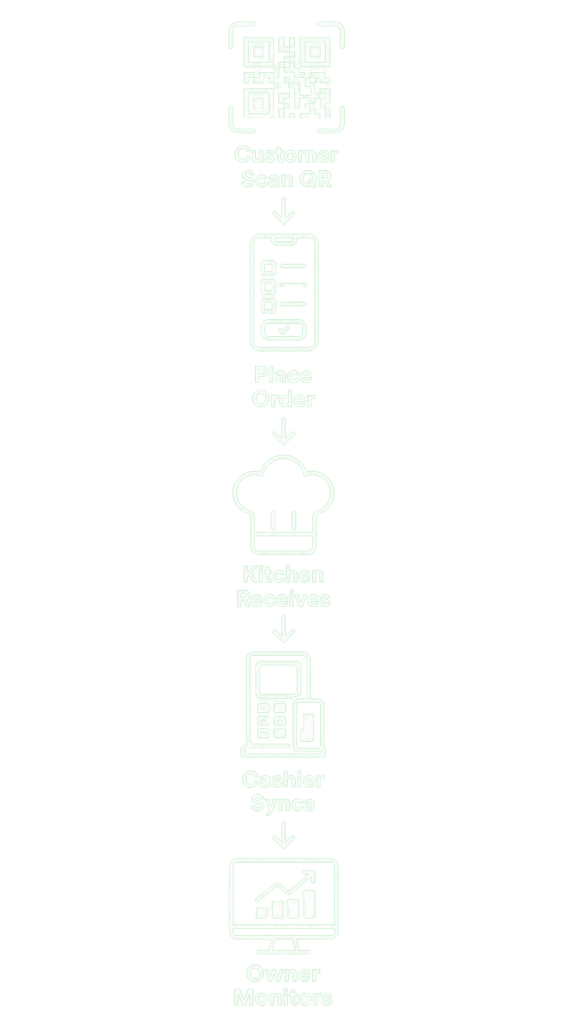
How Tablyn POS Features Work

About Tablyn Our Story - Restaurant POS system

1.
Customer
Orders

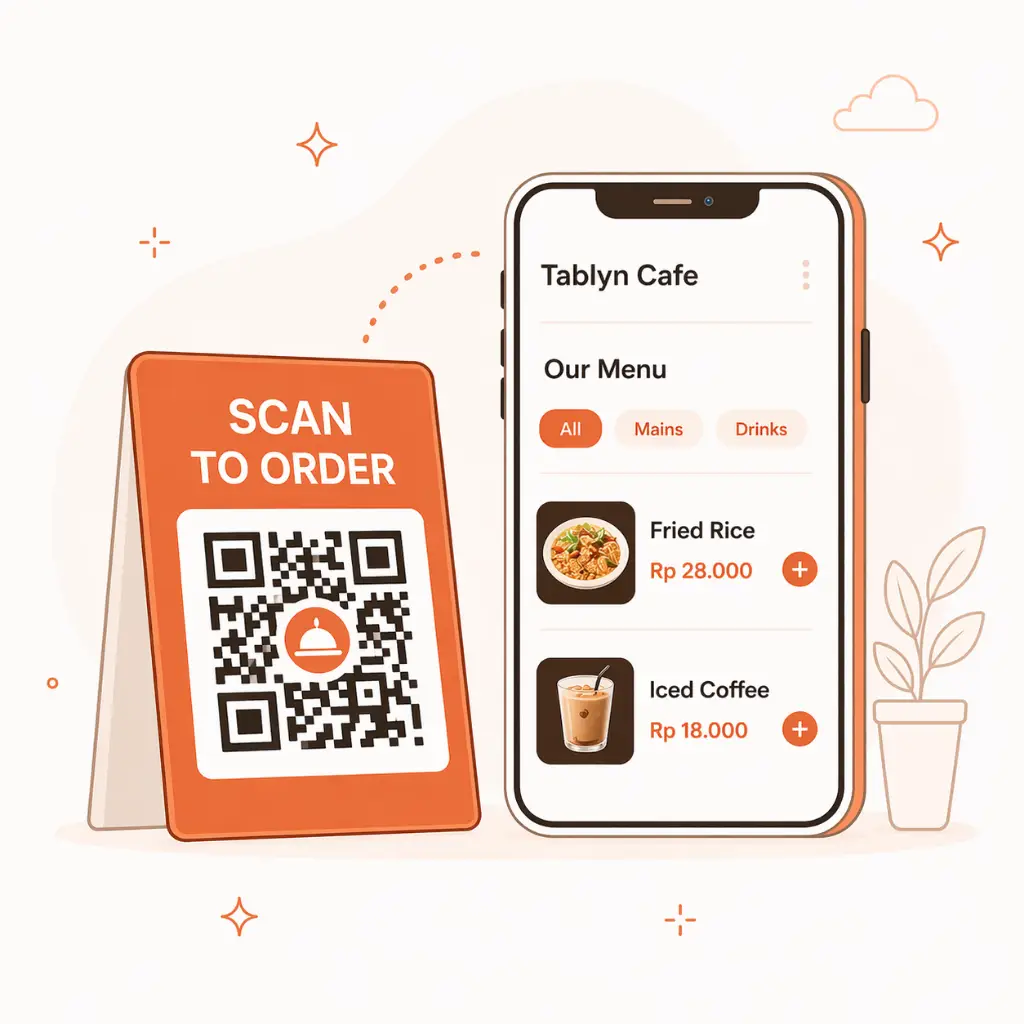
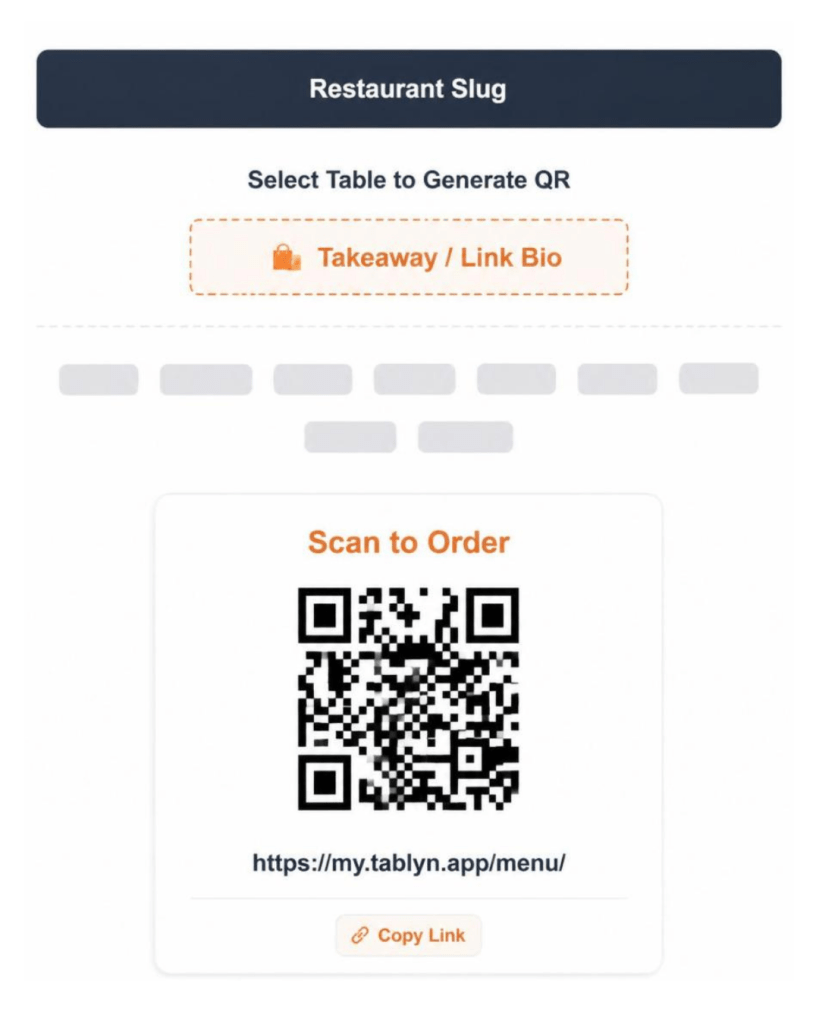
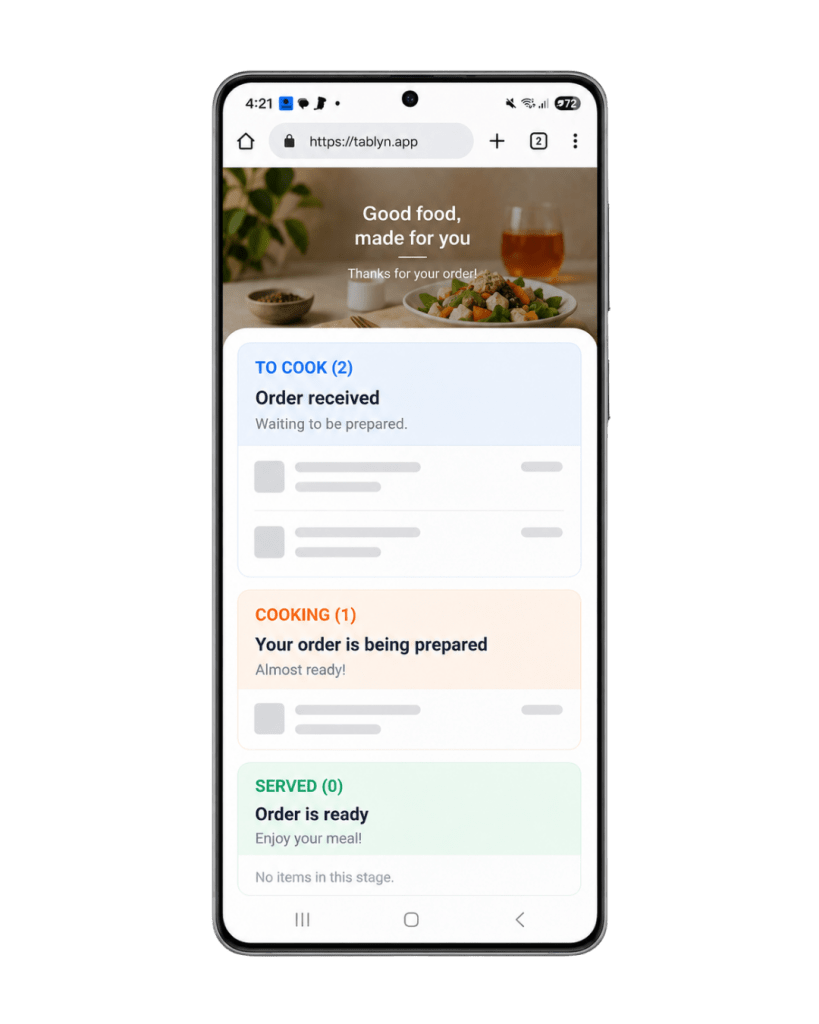
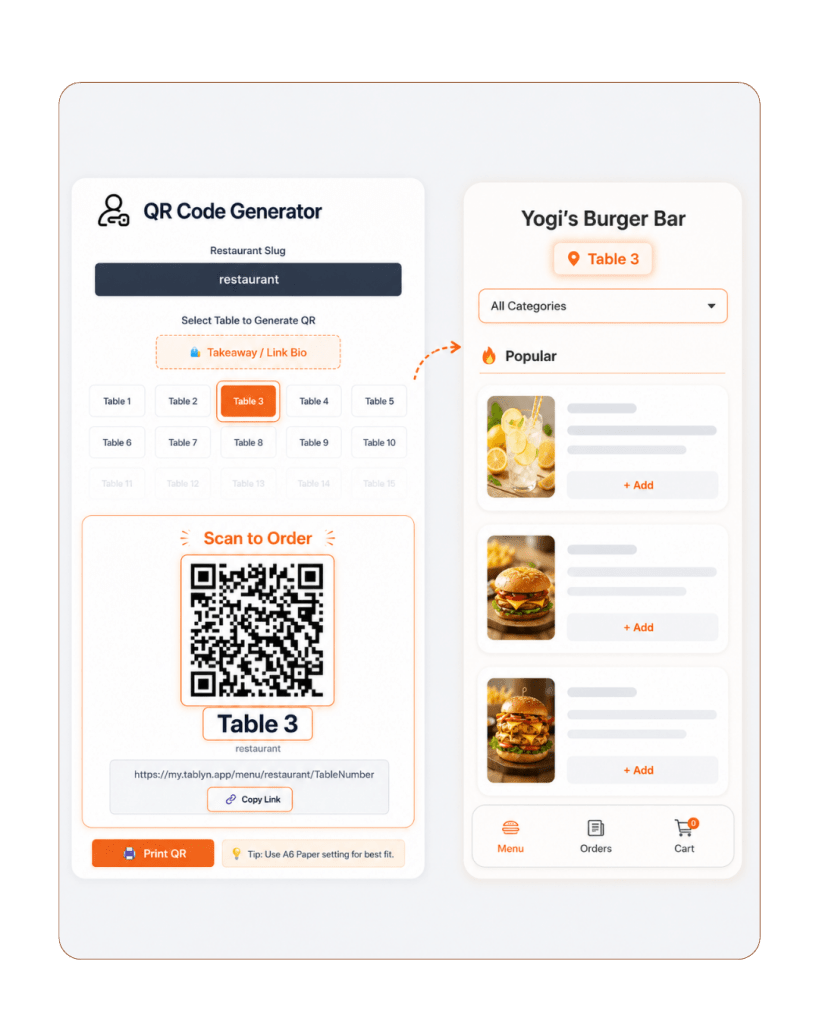
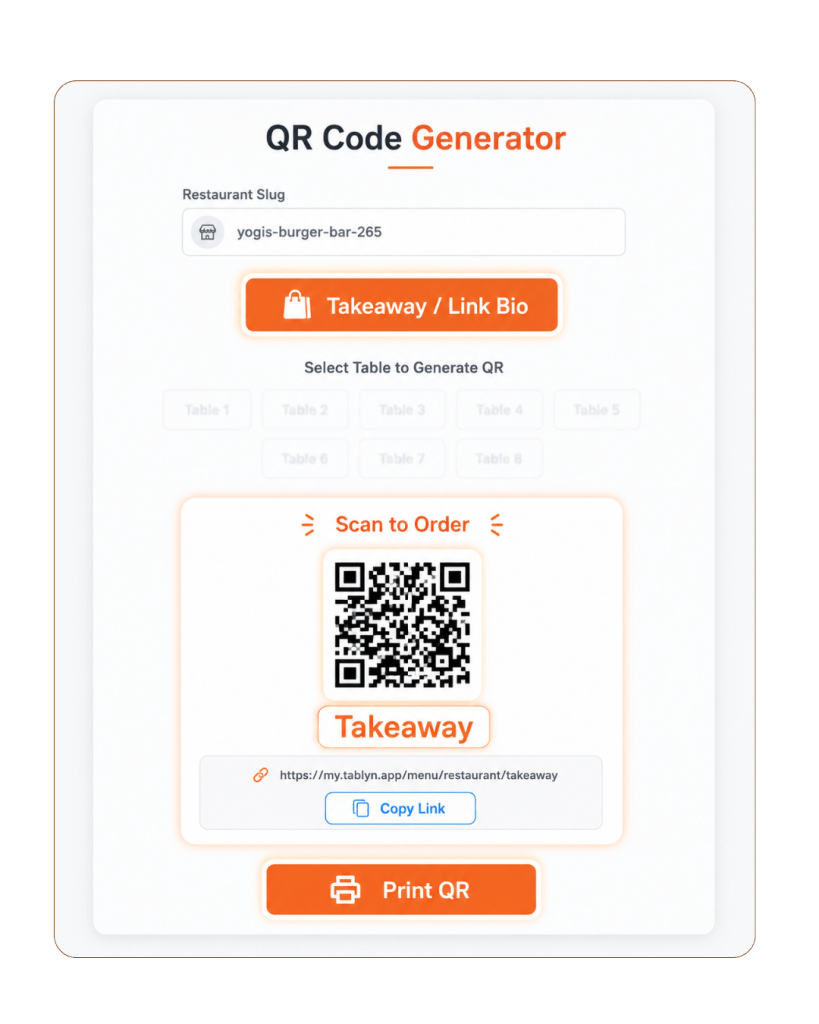
Guests scan the table QR code for dine-in orders, or scan the takeaway QR code at the cashier for takeaway and online-style orders.


About Tablyn Our Story - Restaurant POS system

2.
Kitchen
Receives

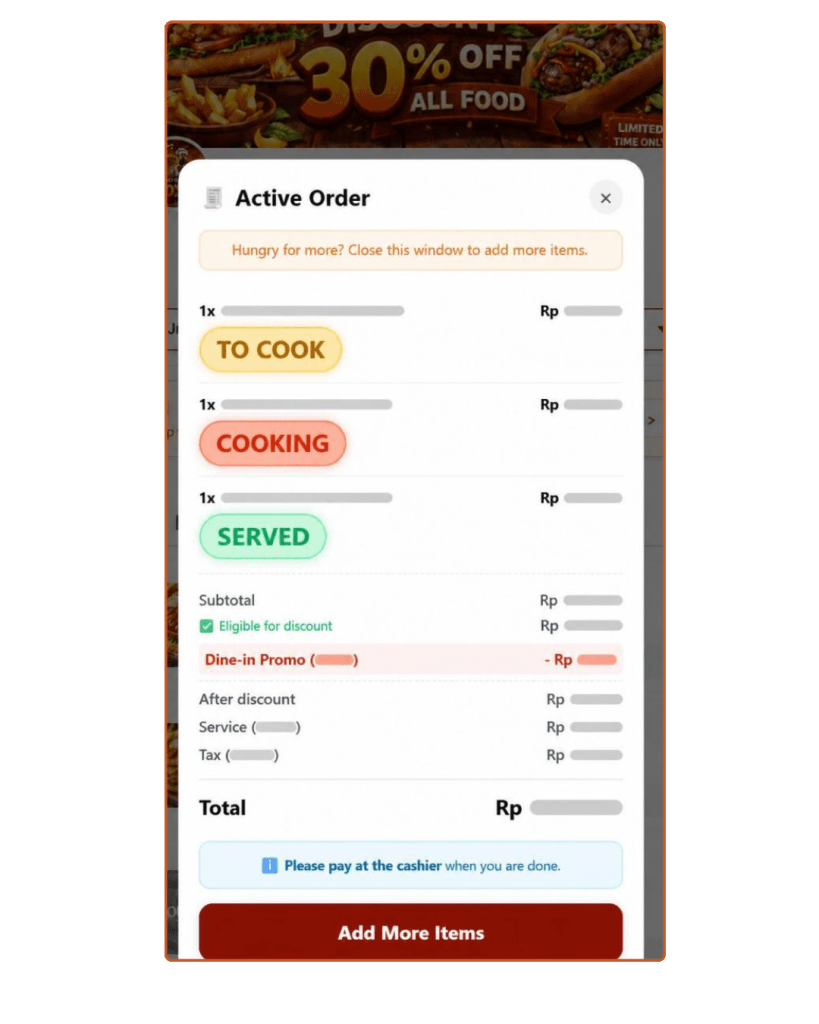
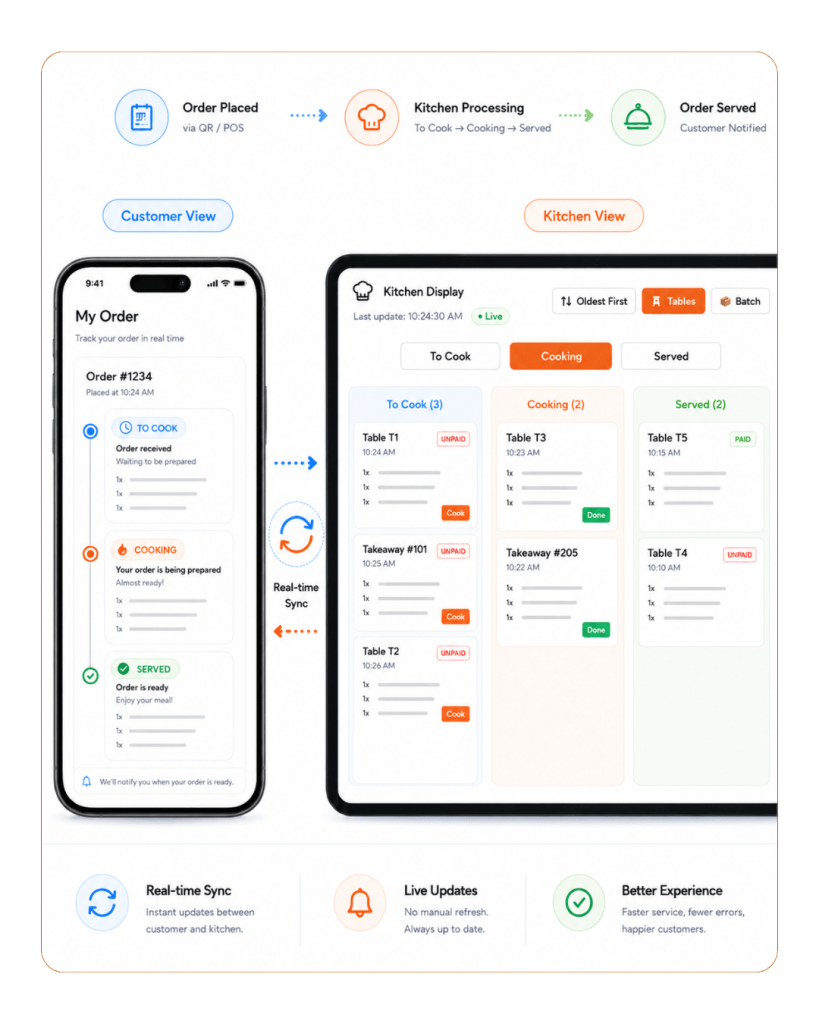
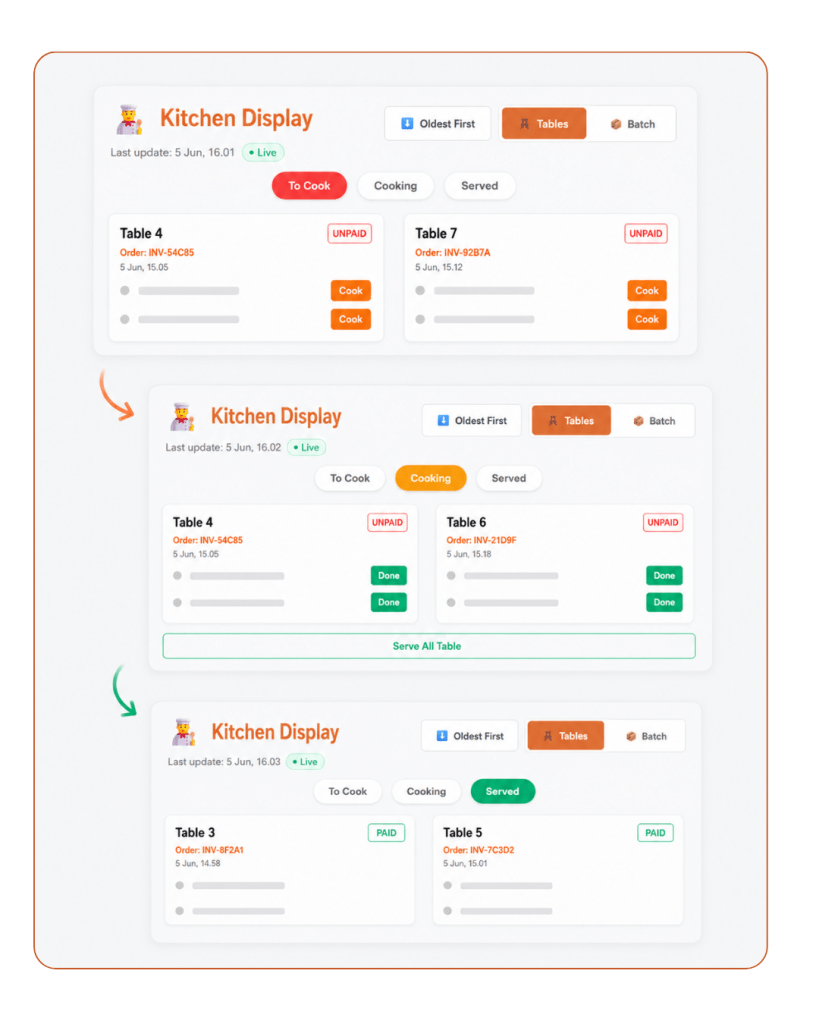
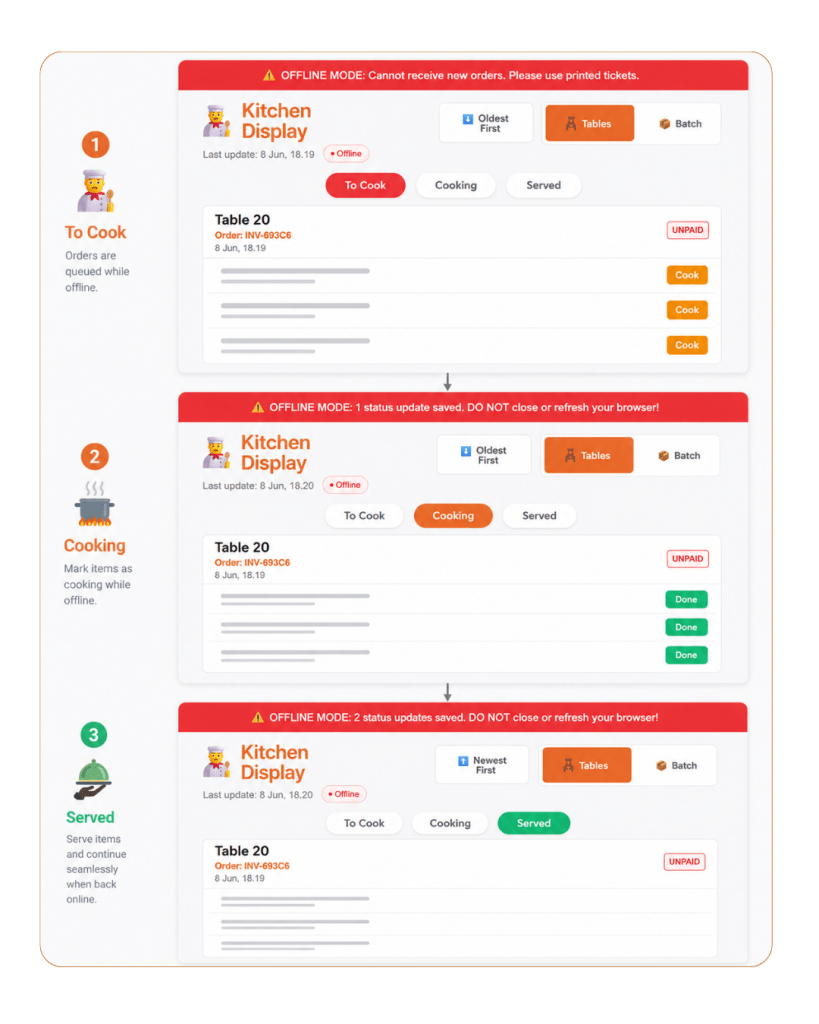
Orders appear instantly on the Kitchen Display, organized by table and order status.
About Tablyn Our Story - Restaurant POS system

3.
Cashier
Syncs

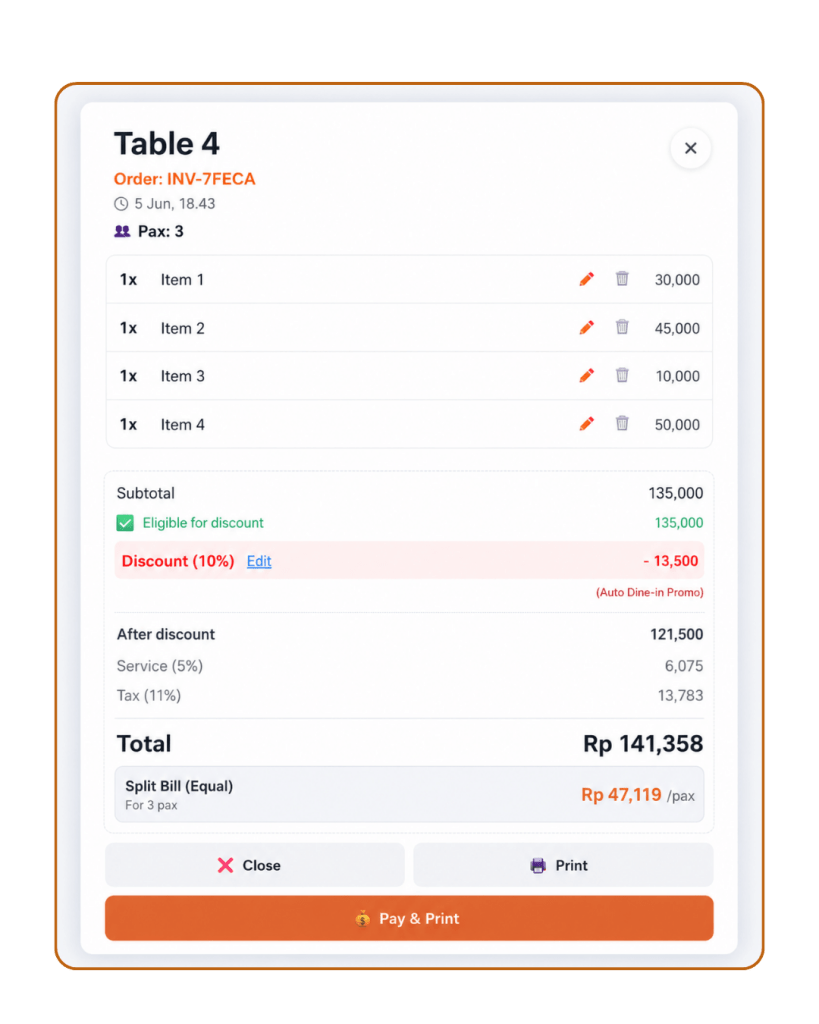
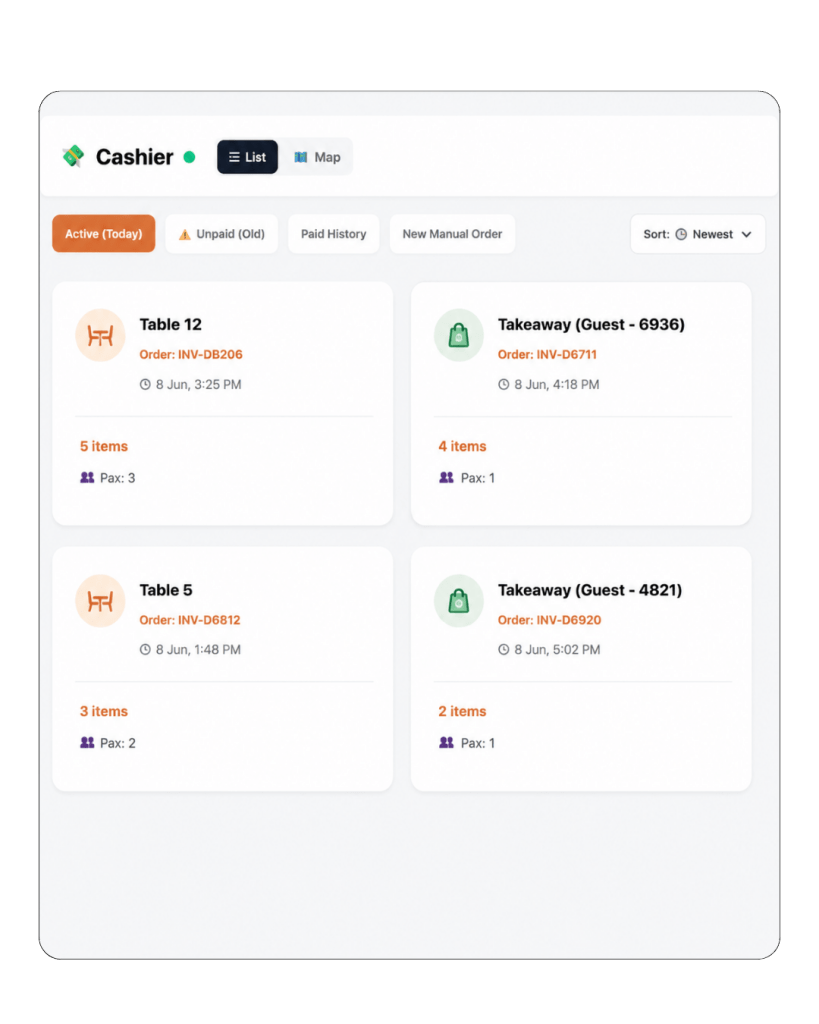
Dine-in and takeaway orders sync automatically to the POS cashier screen for payment and checkout.

About Tablyn Our Story - Restaurant POS system

4.
Owner
Monitors

Track dine-in, takeaway, sales, orders, and restaurant performance in real time from any device.

01

Self-Service QR Ordering POS Features

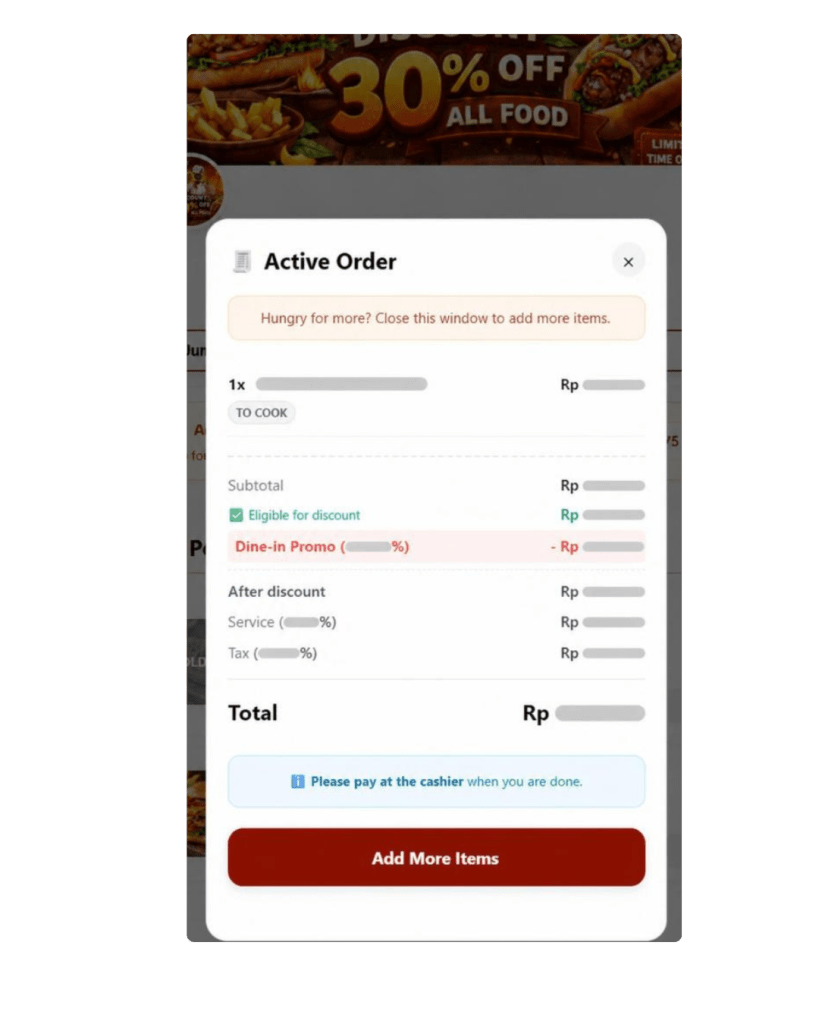
Let customers order faster by scanning a table or takeaway QR code. These POS Features help guests browse your digital menu, add items to cart, and send clear order details directly to the kitchen and cashier with fewer manual steps and errors.

02

Kitchen Display System POS Features

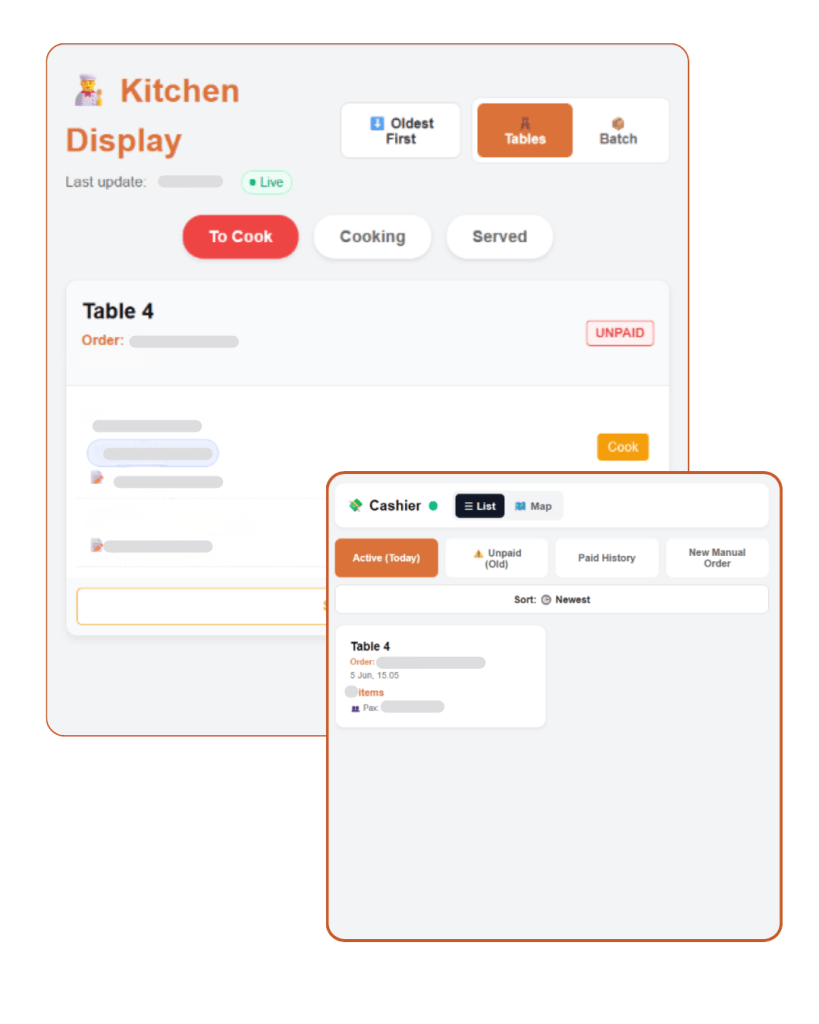
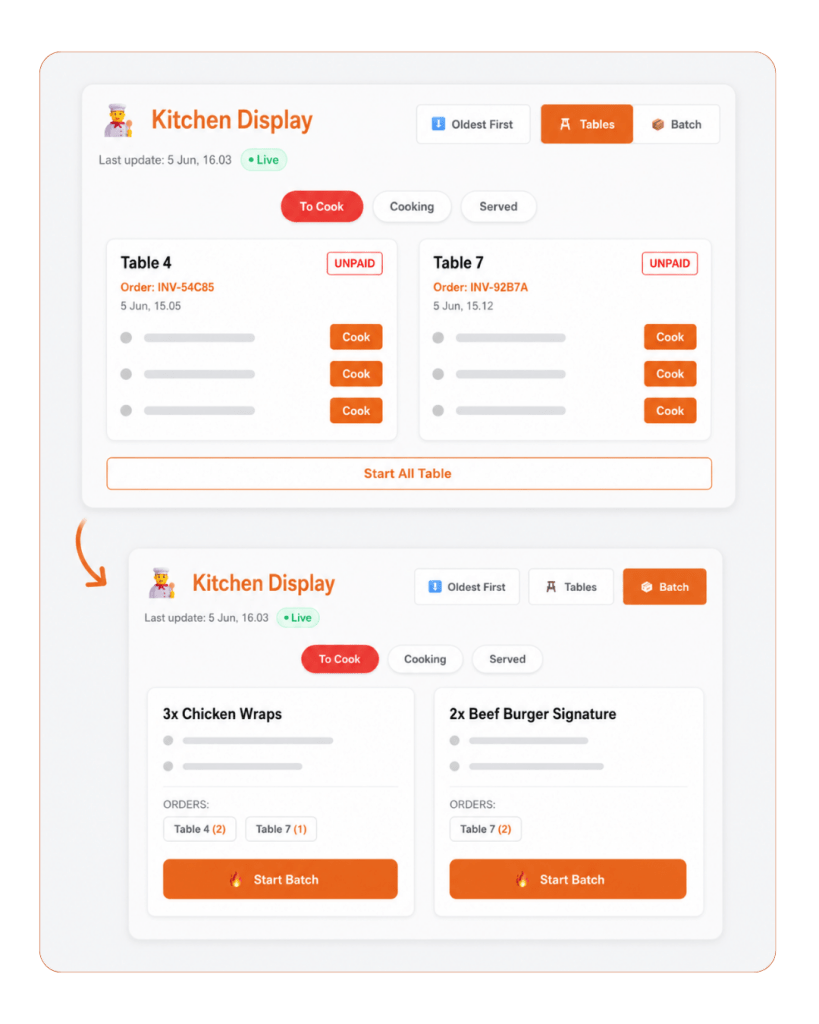
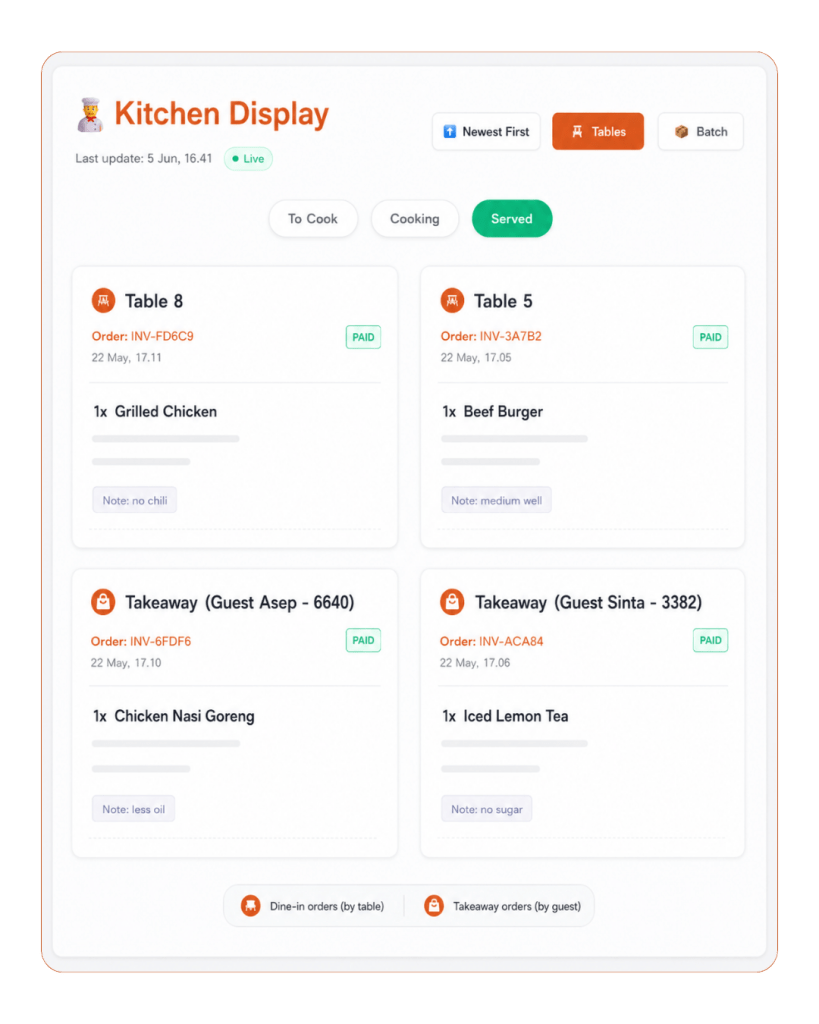
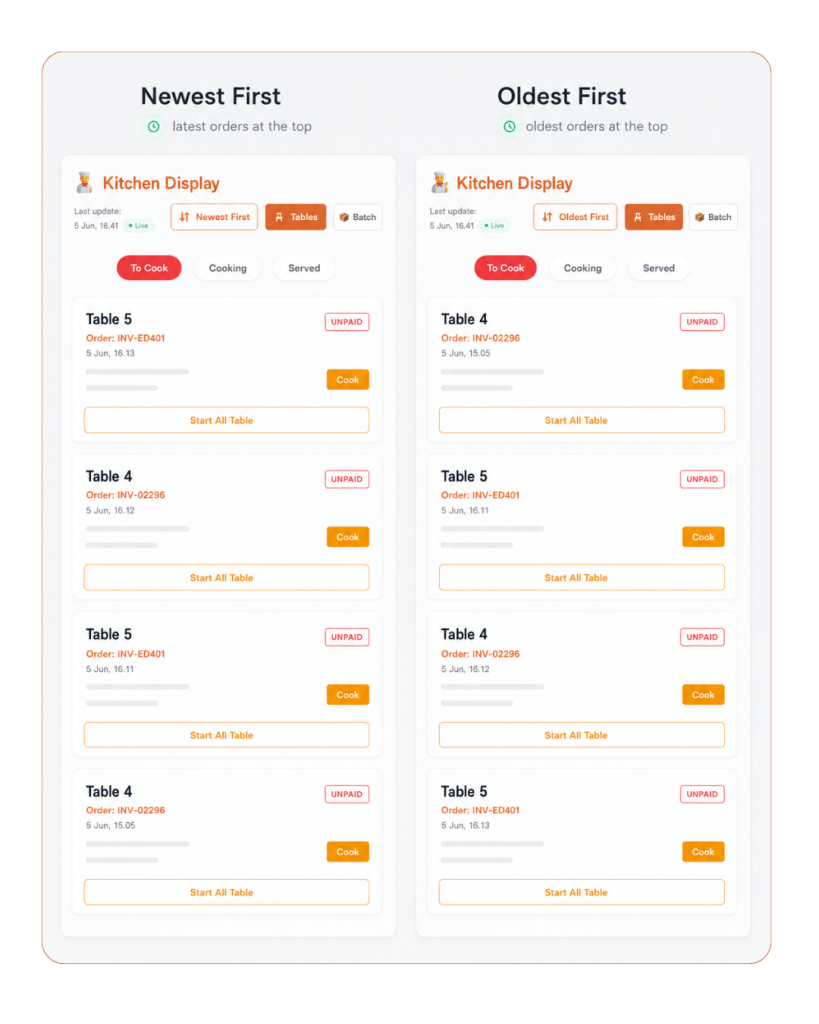
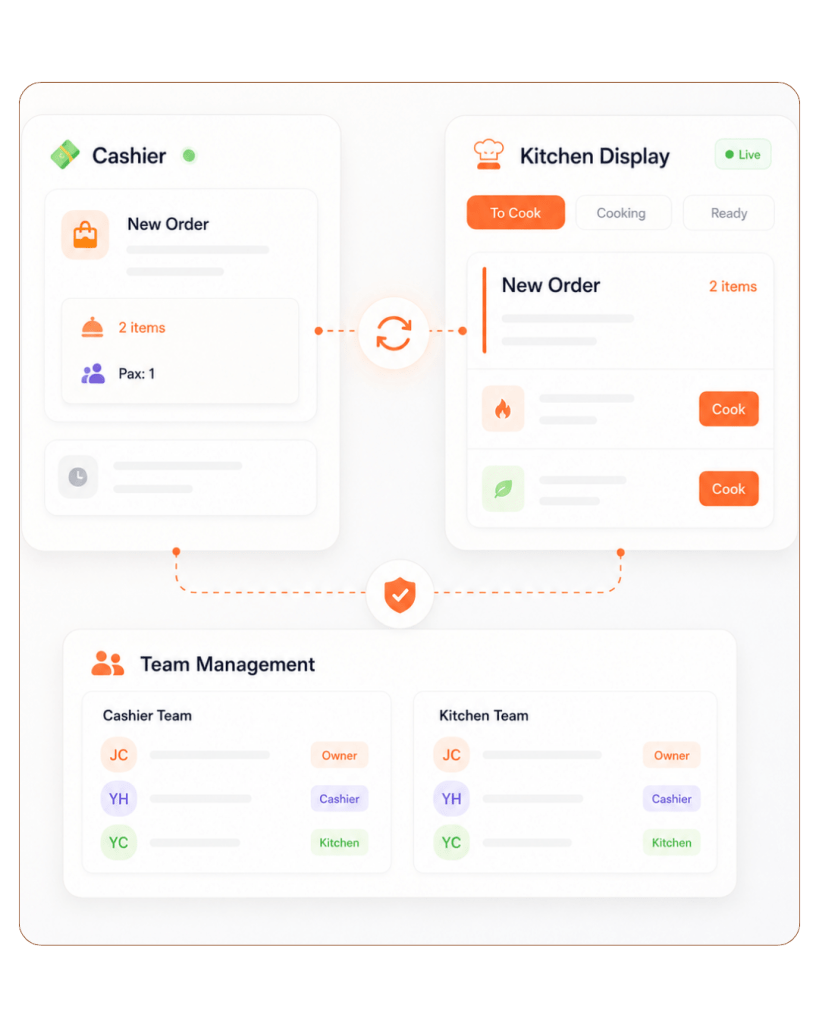
Replace paper tickets with a real-time kitchen display. These POS Features help kitchen staff receive dine-in and takeaway orders, process them by table or batch, update order status, and keep the kitchen, cashier, and front-of-house team connected.

03

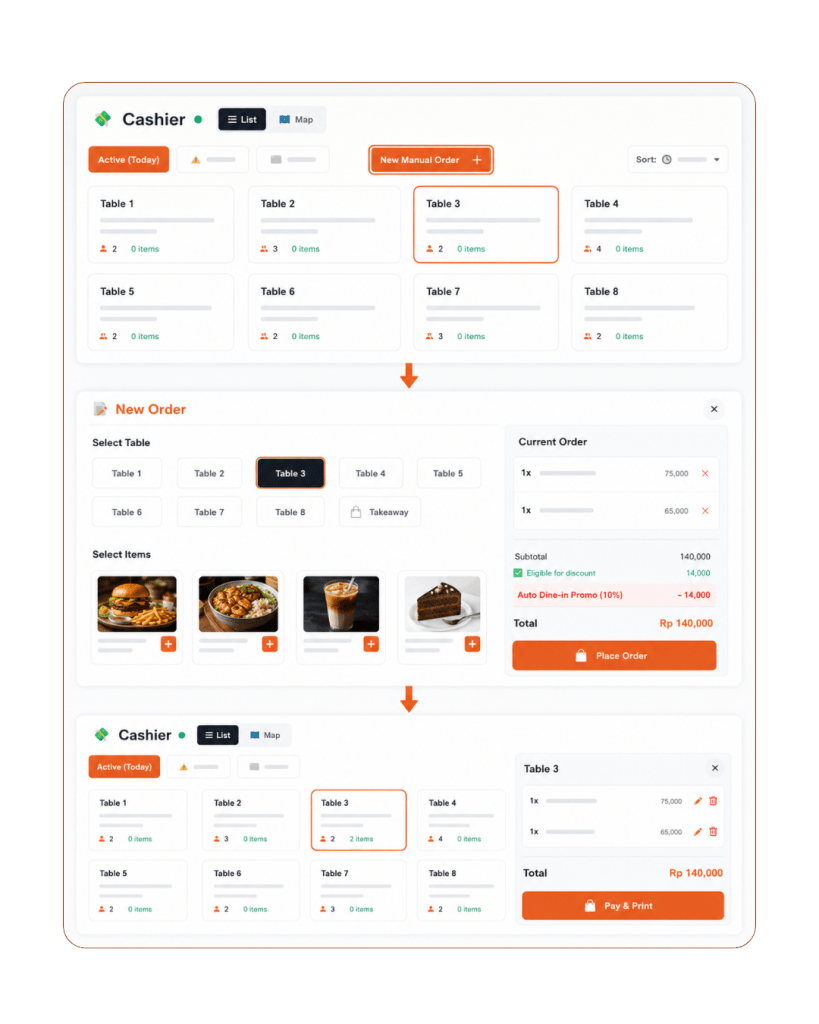
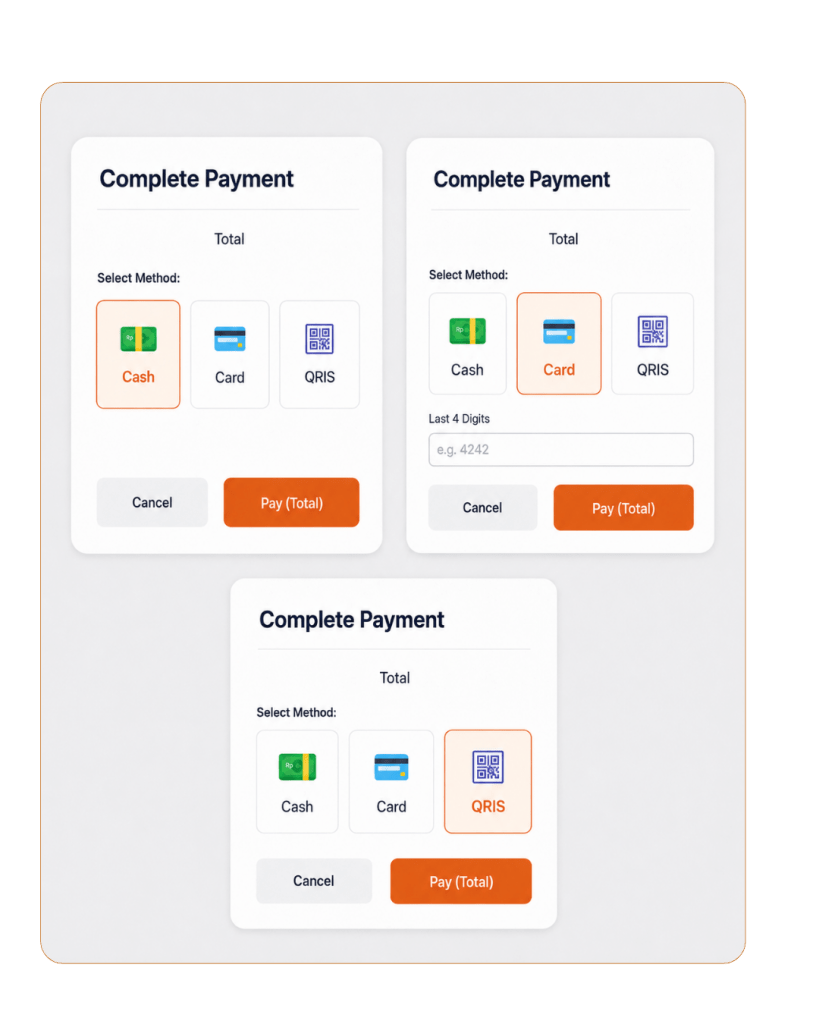
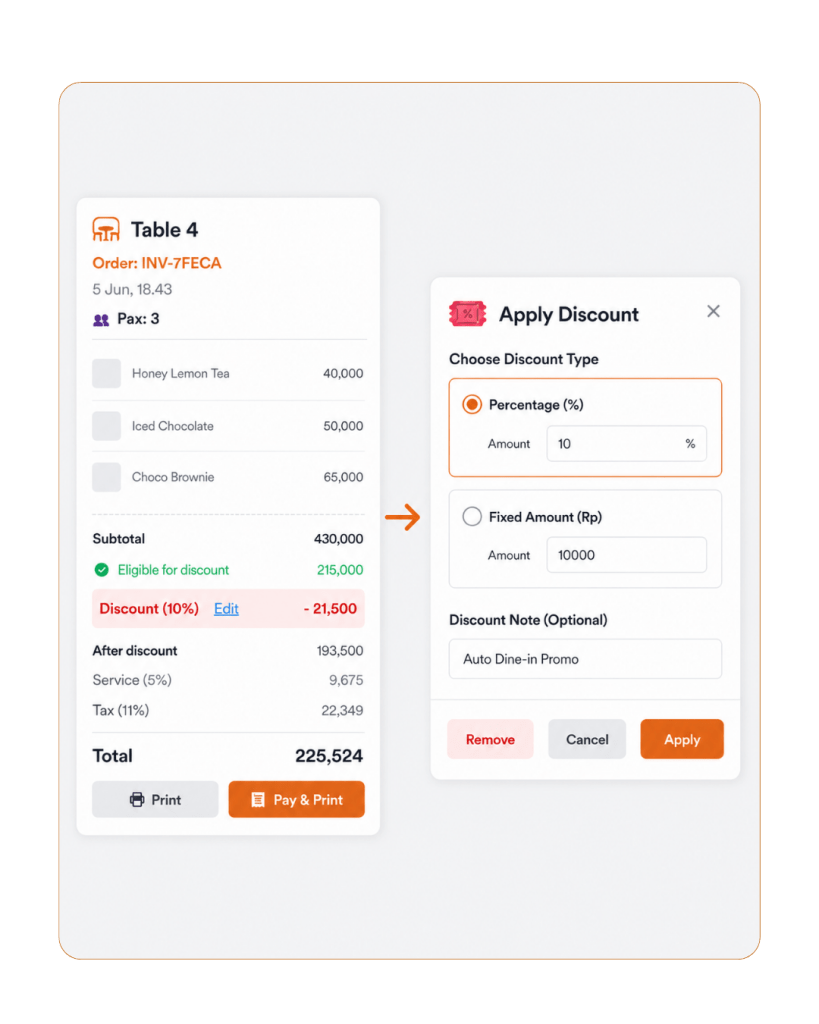
POS Cashier & Checkout Features

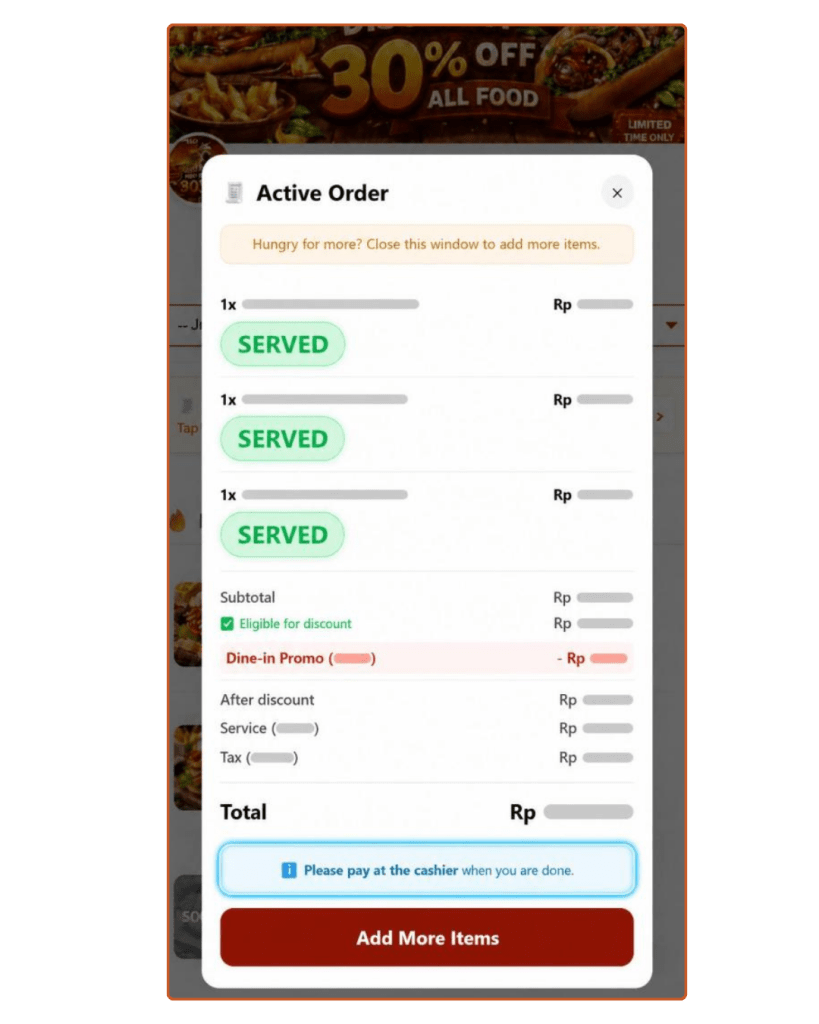
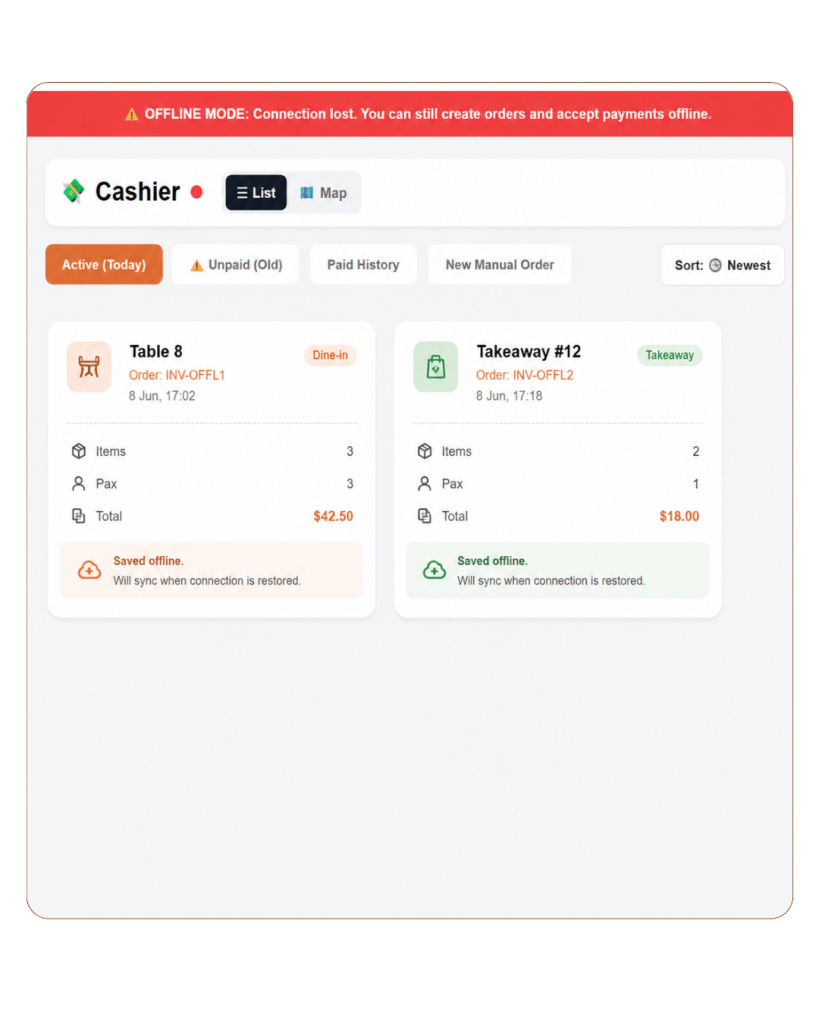
Manage every order from one simple checkout screen. These POS Features help cashiers handle QR orders, dine-in, takeaway, and manual orders, giving customers the flexibility to order by QR code or directly through your staff.

04

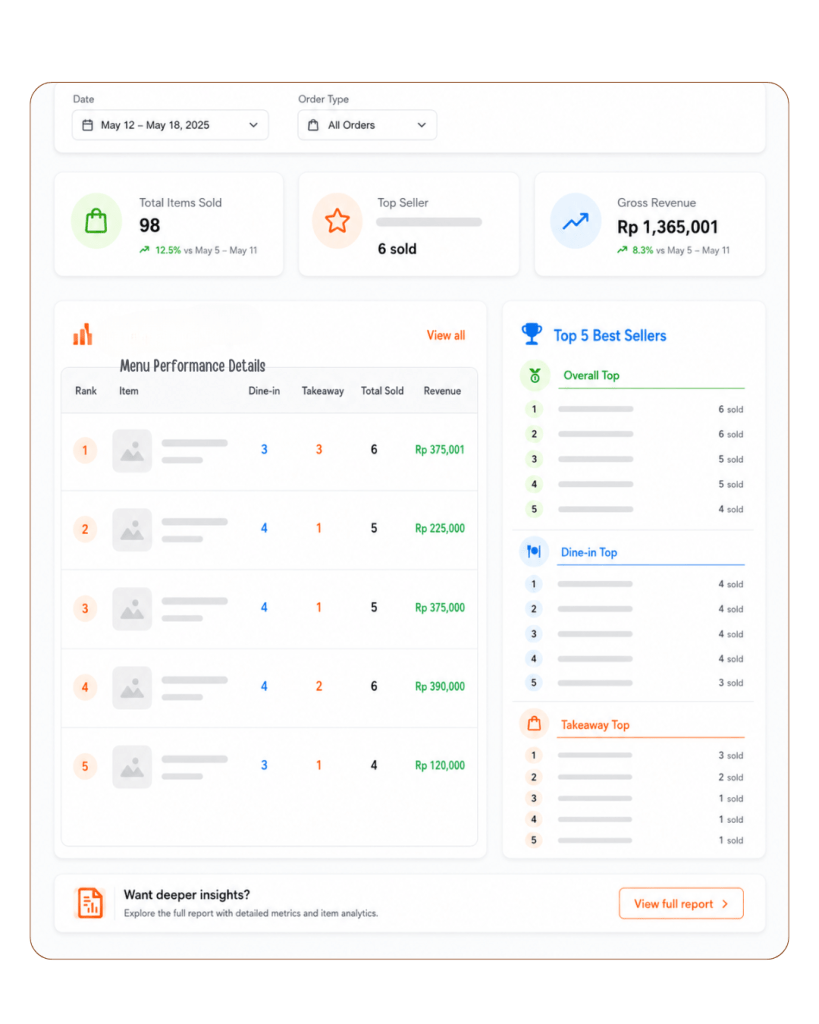
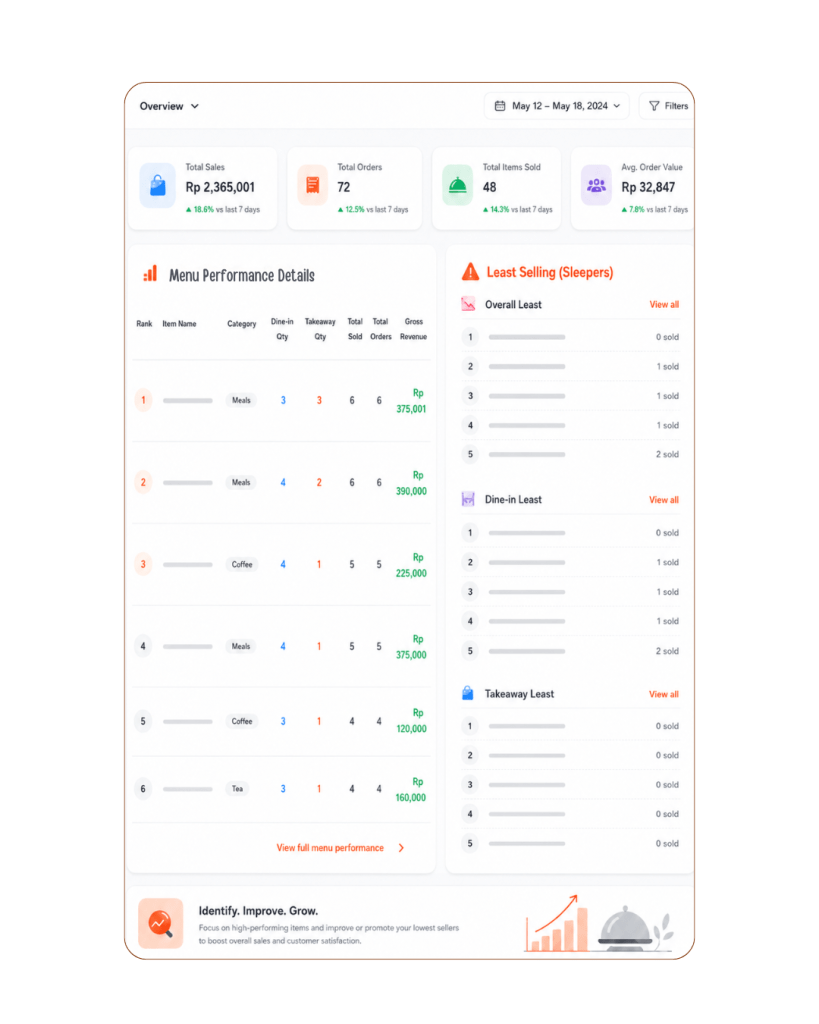
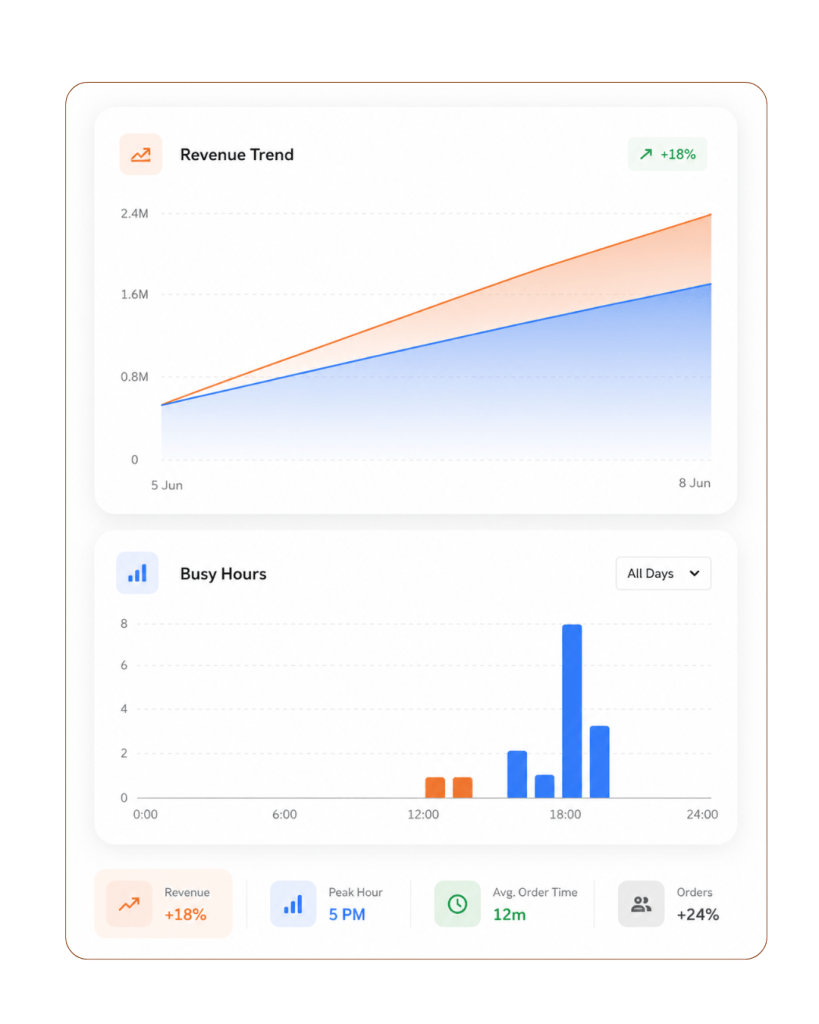
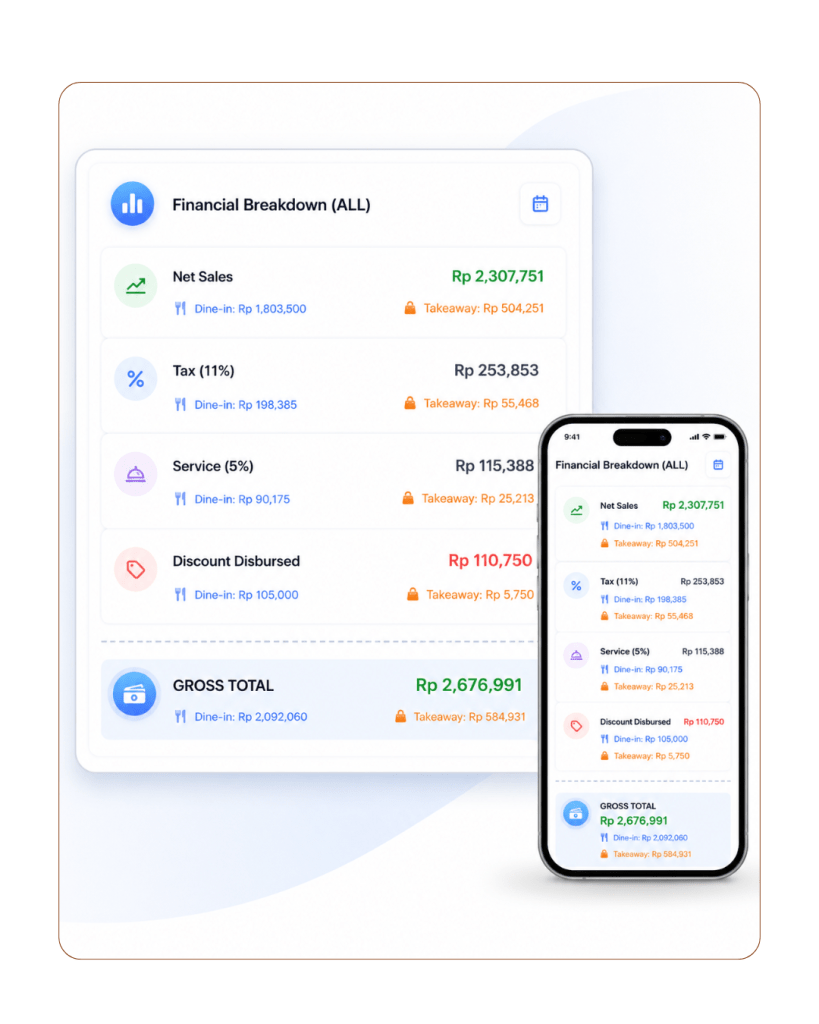
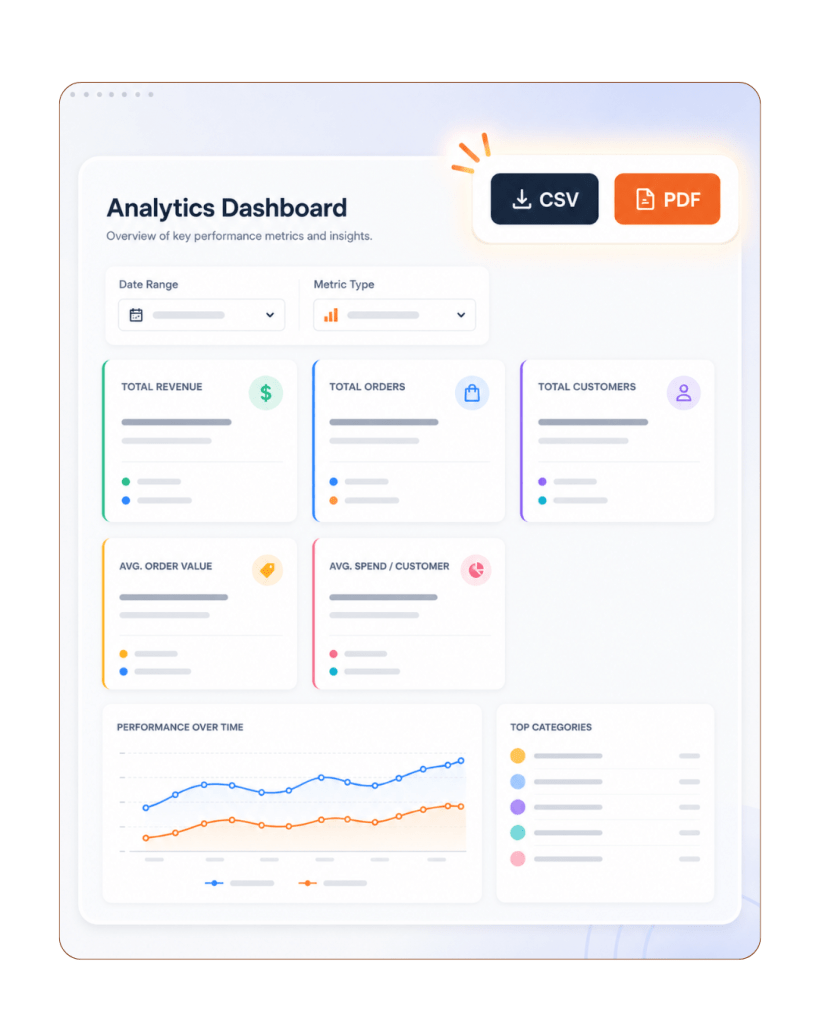
Sales Reports & Analytics POS Features

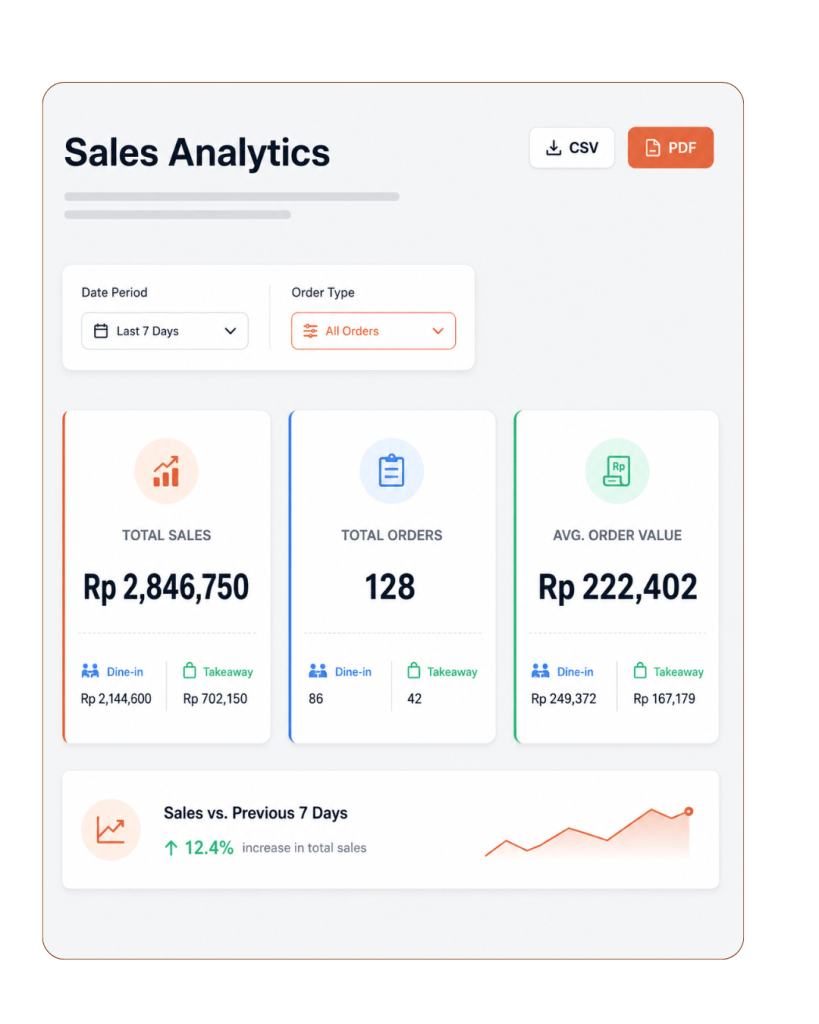
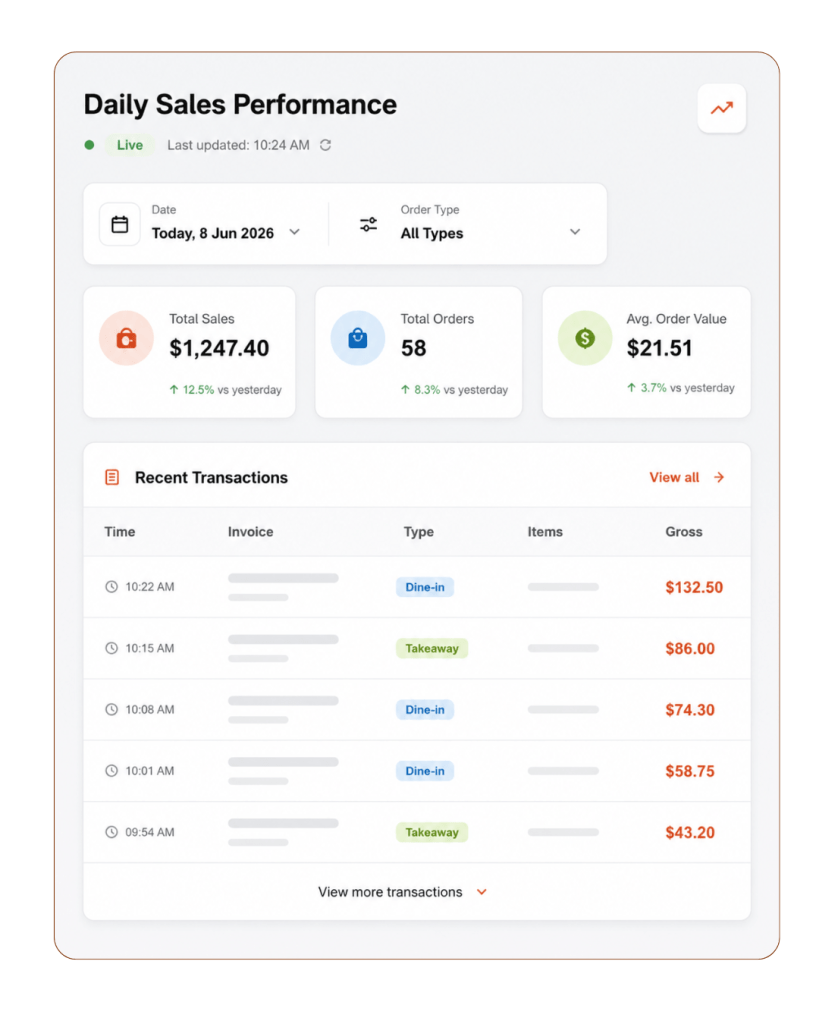
Track restaurant performance clearly from one place. These POS Features help you view sales, orders, payments, and menu performance, so you can understand what sells best and make better business decisions.

05

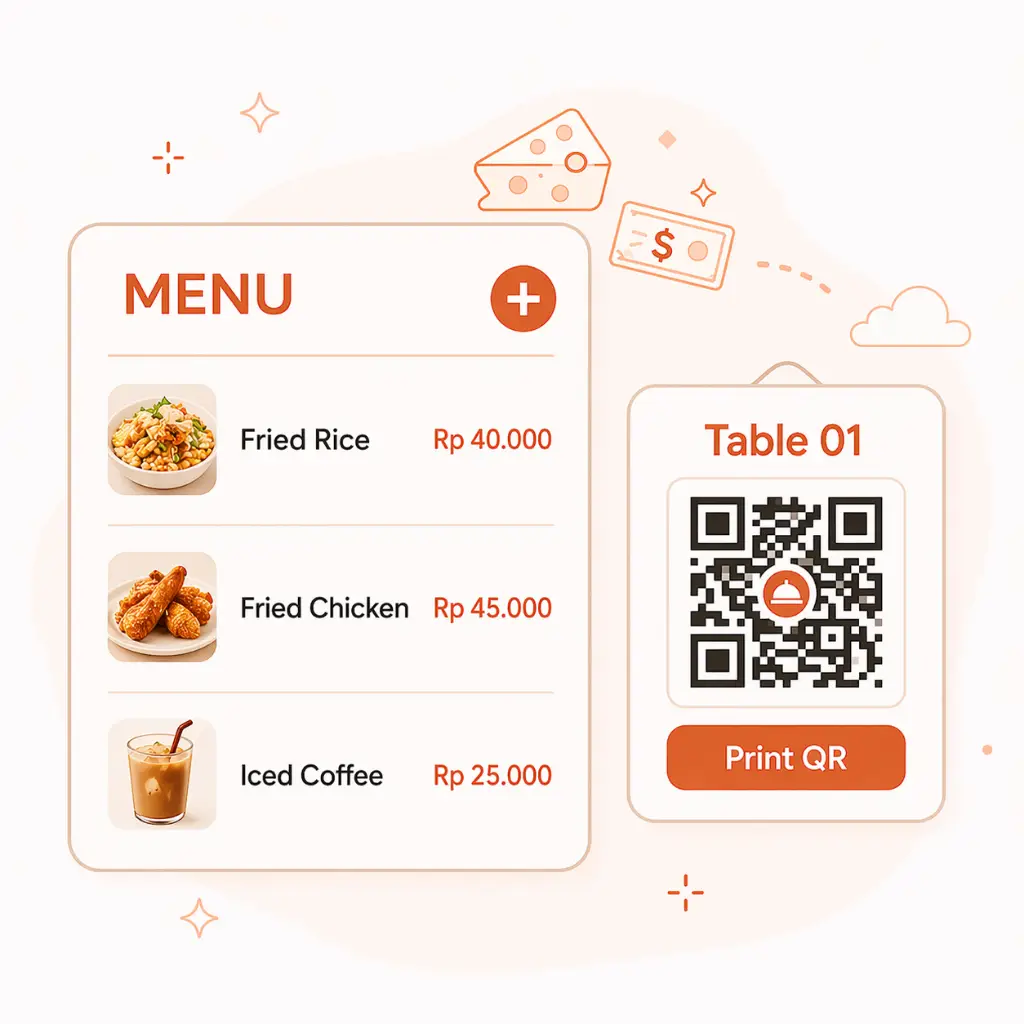
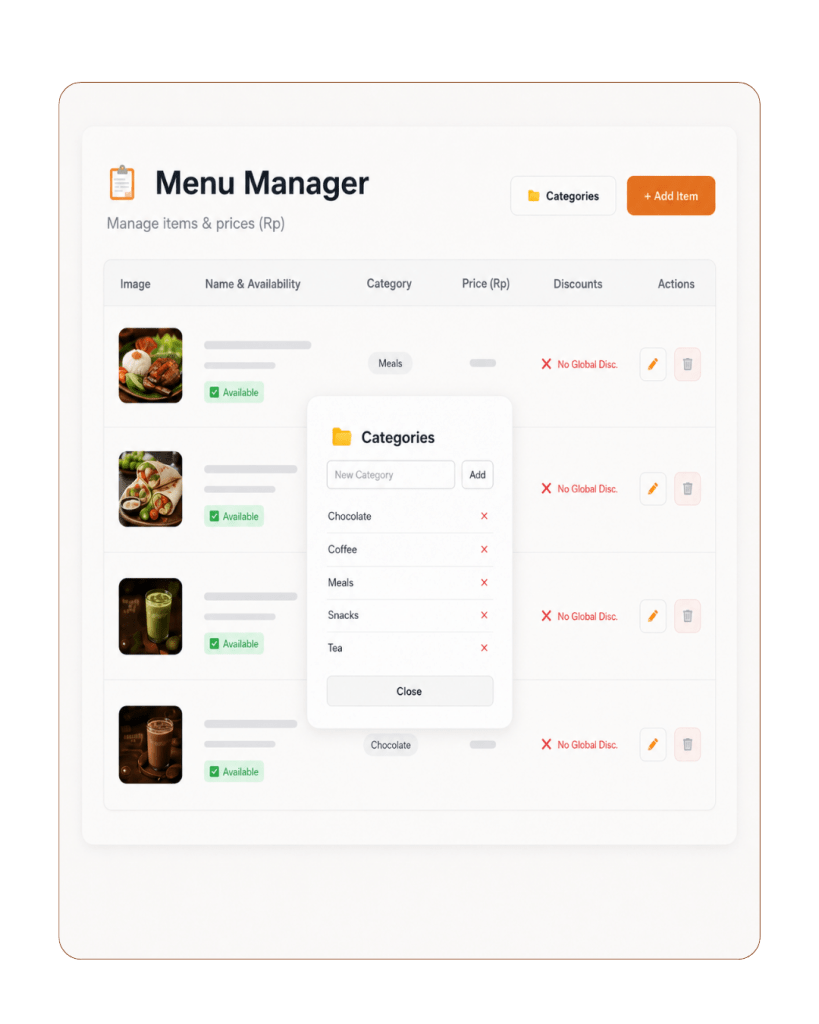
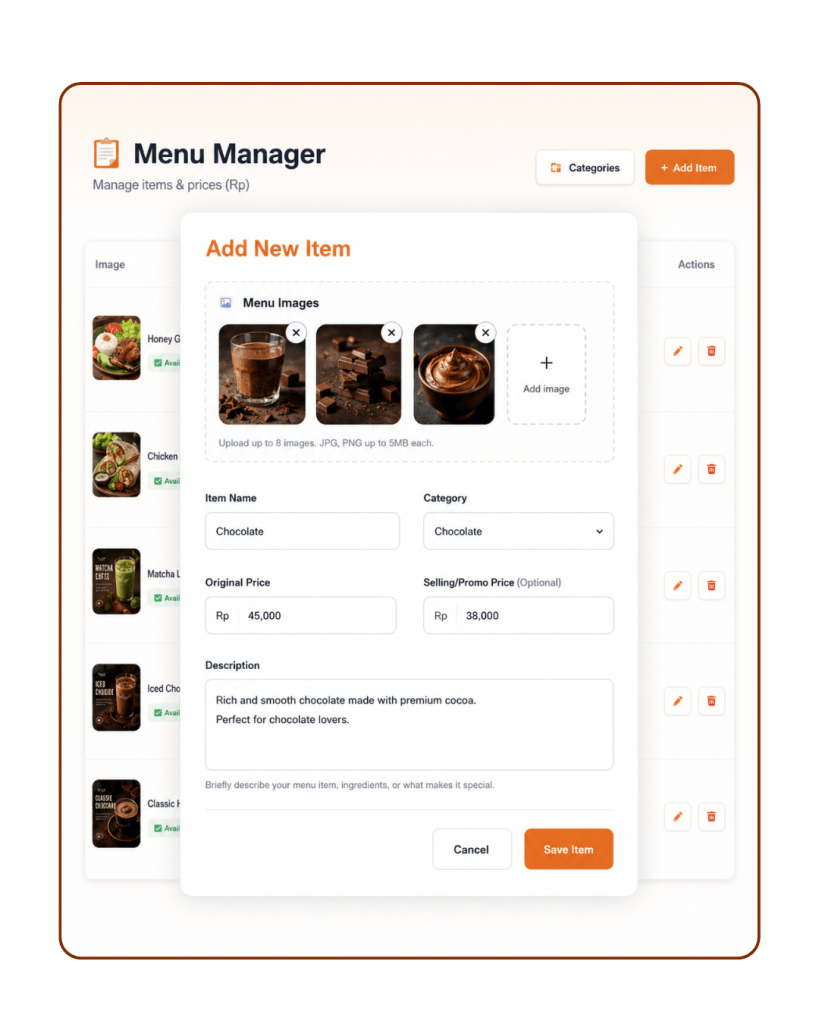
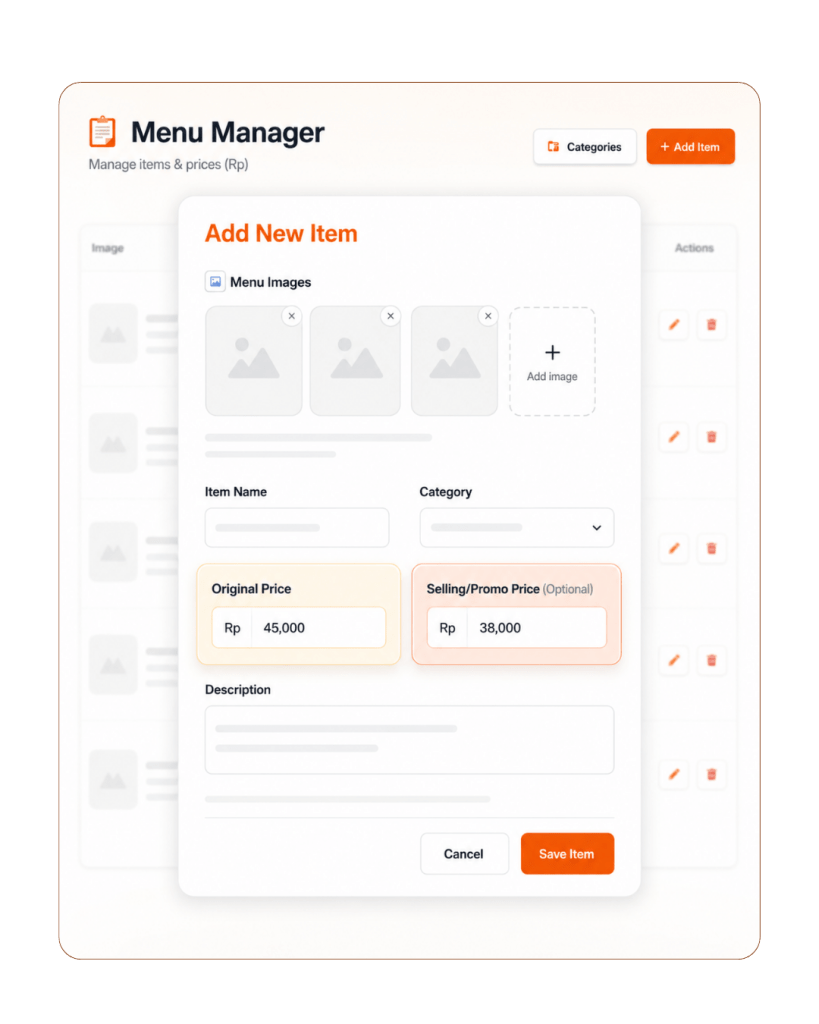
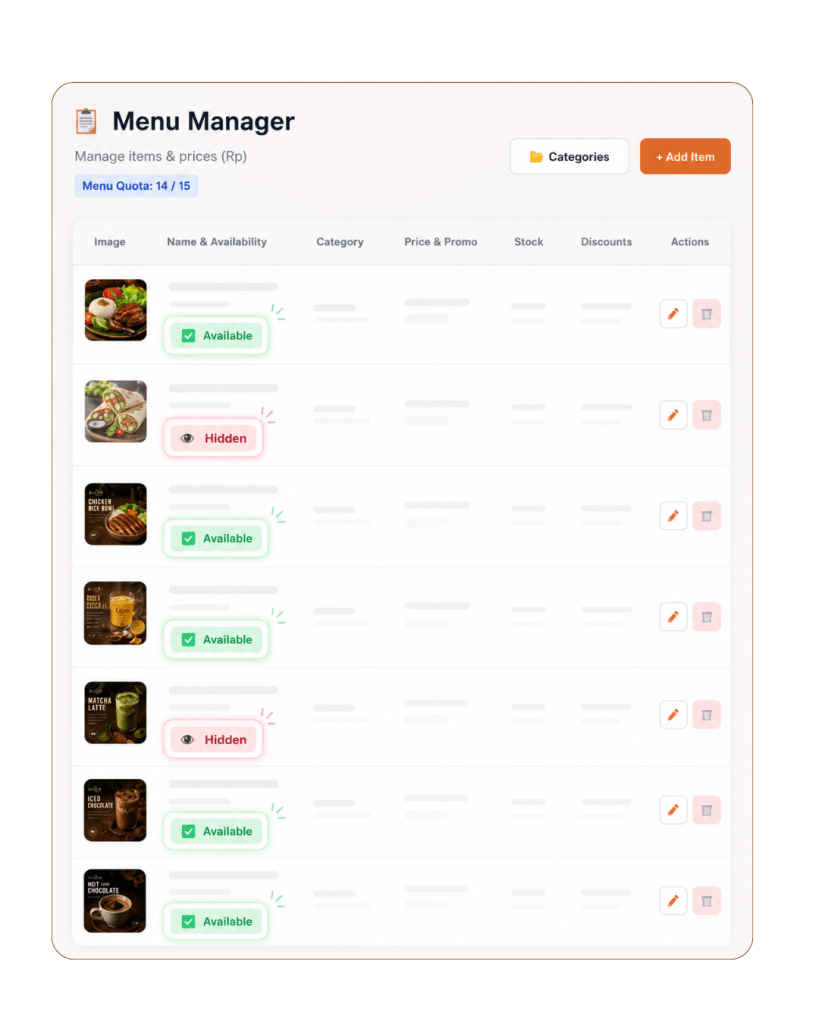
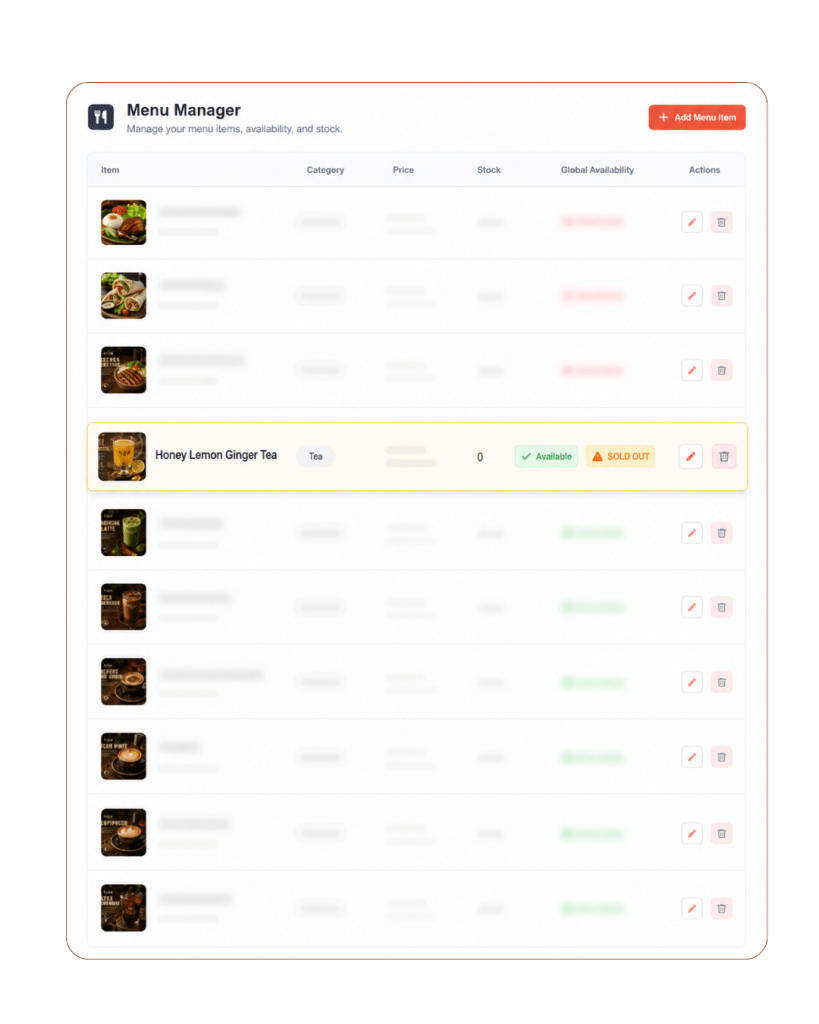
Menu Management POS Features

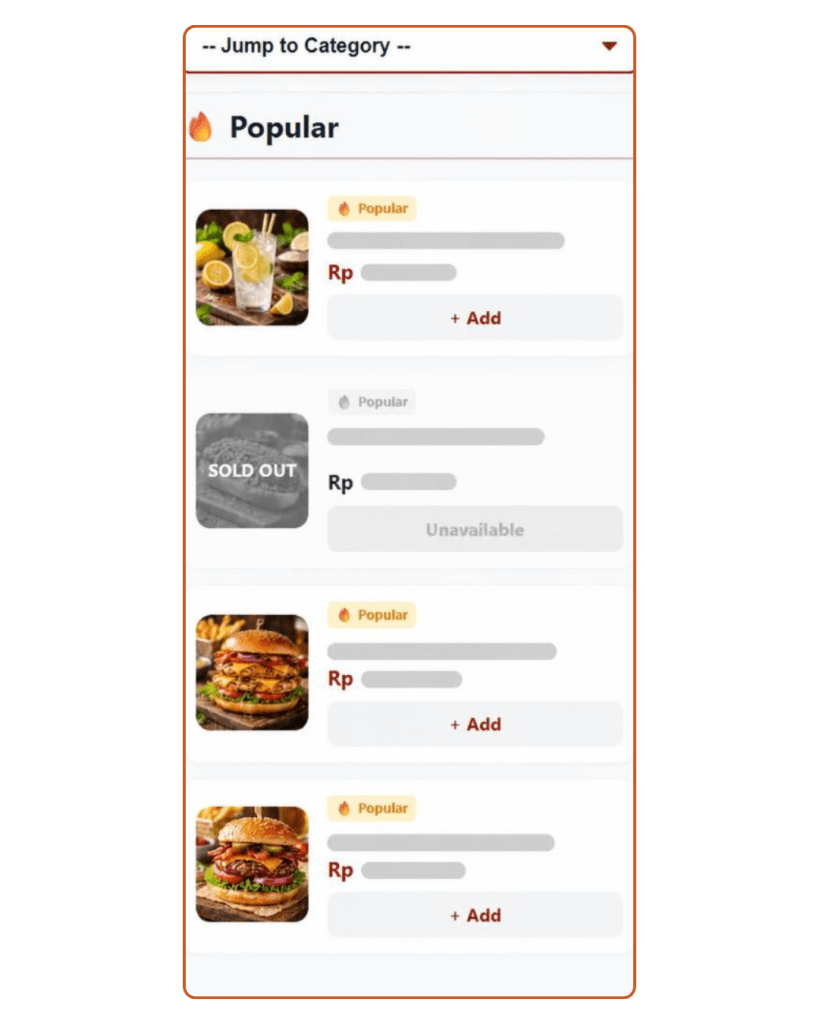
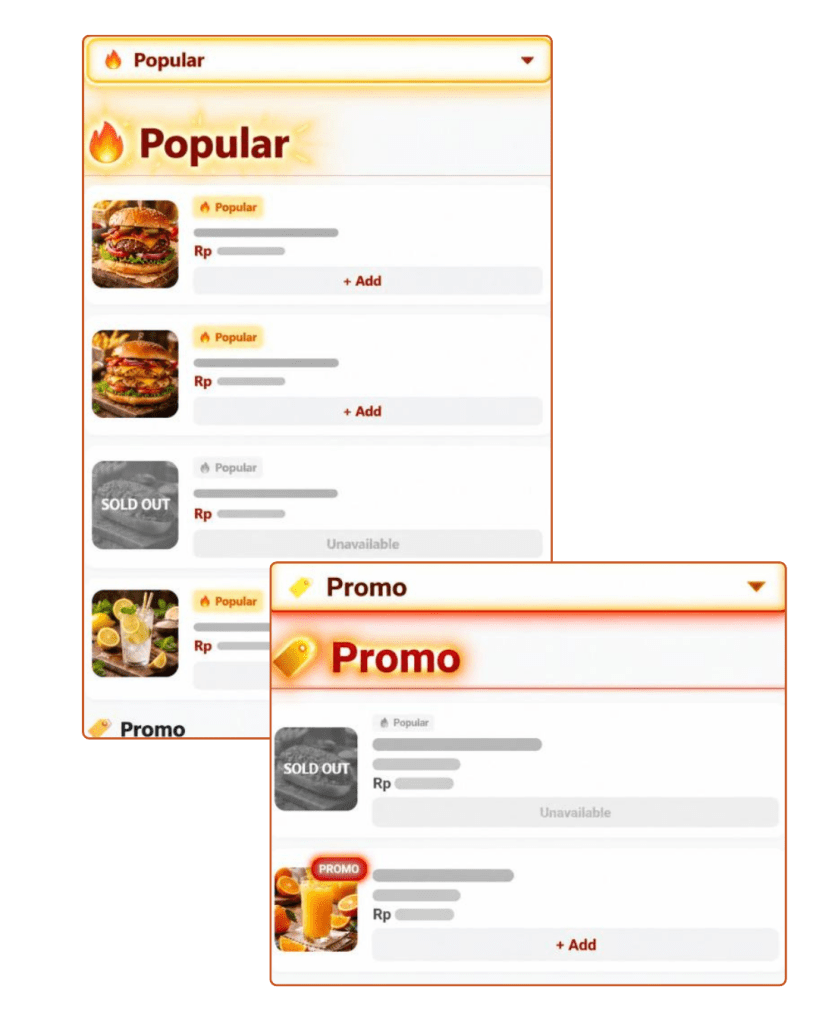
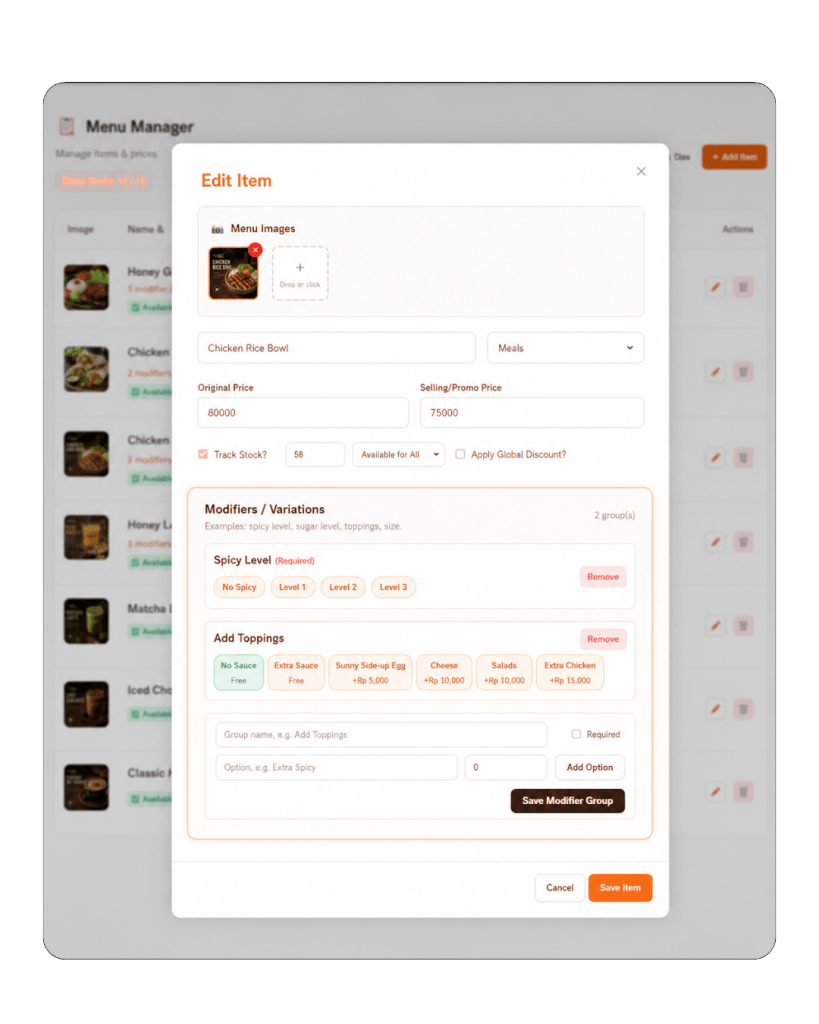
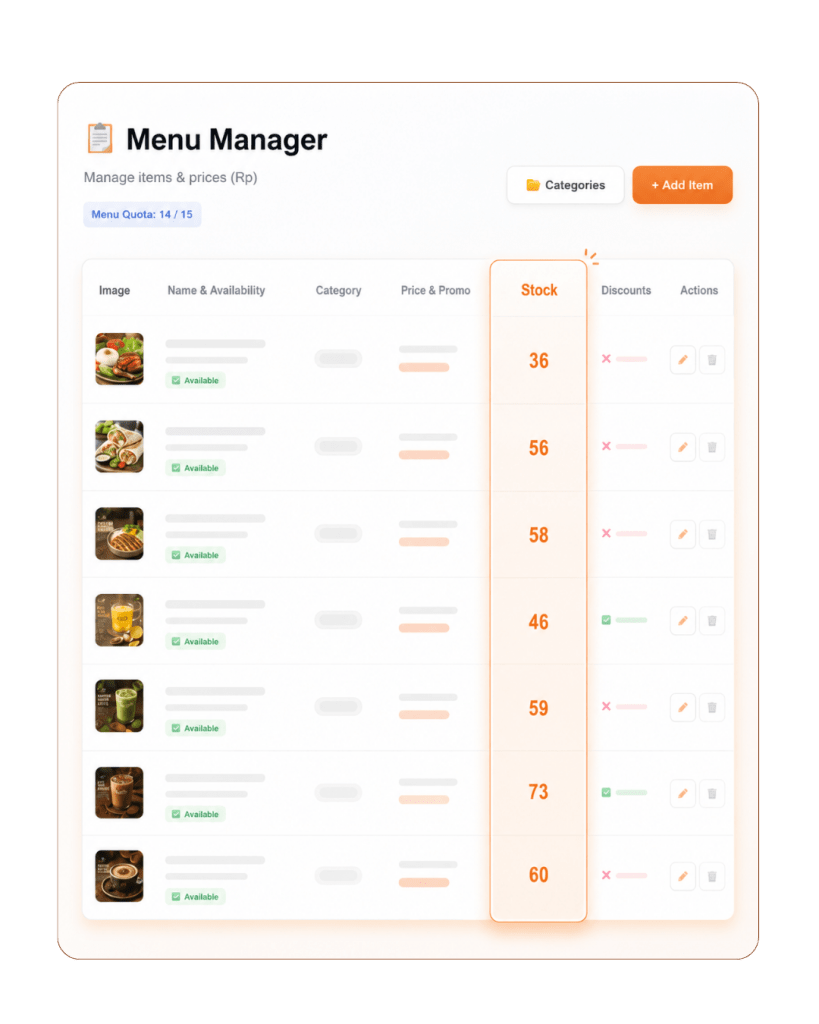
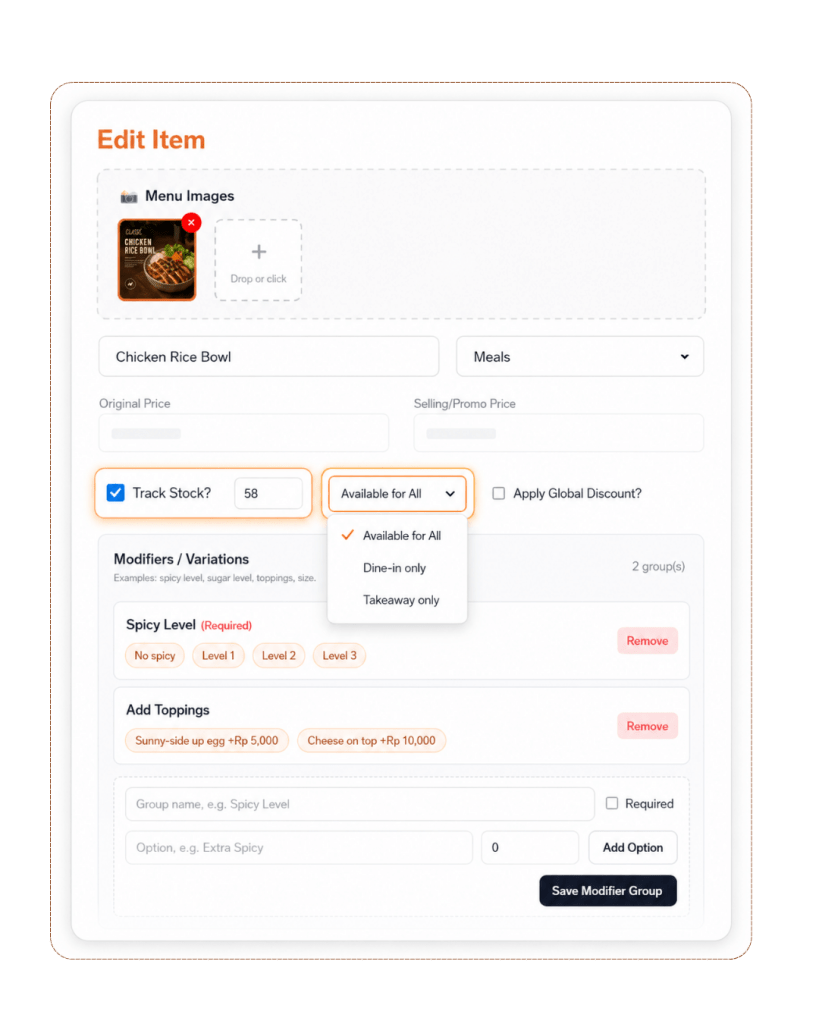
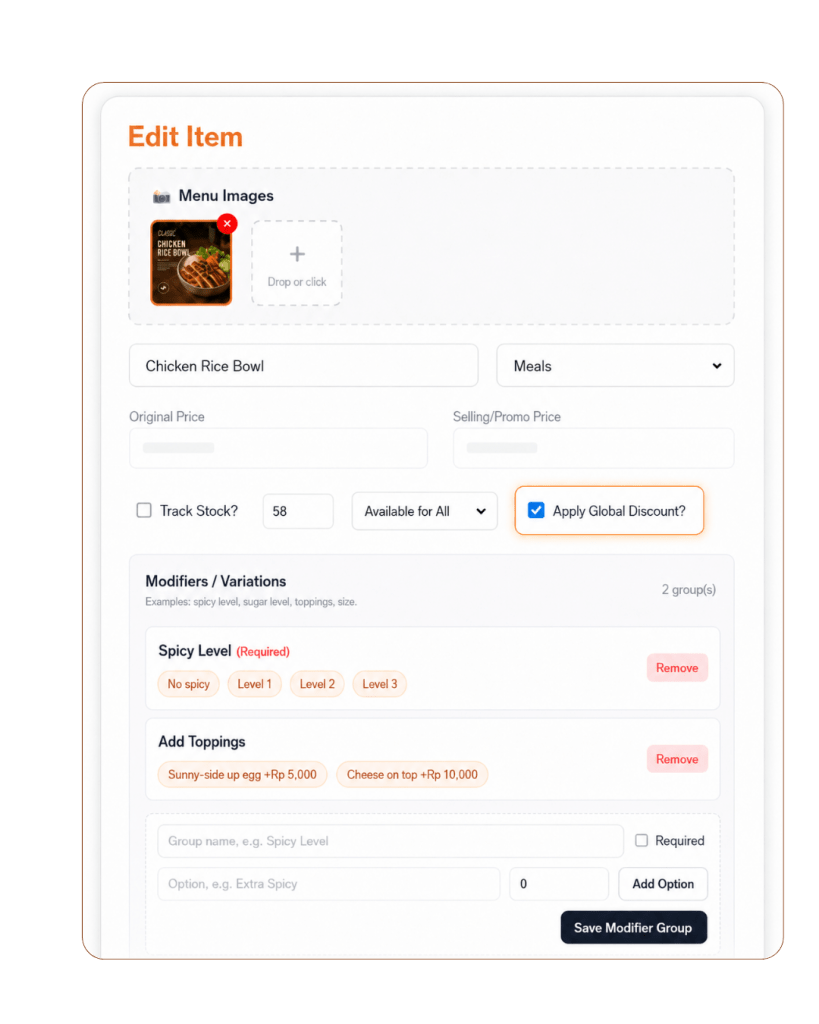
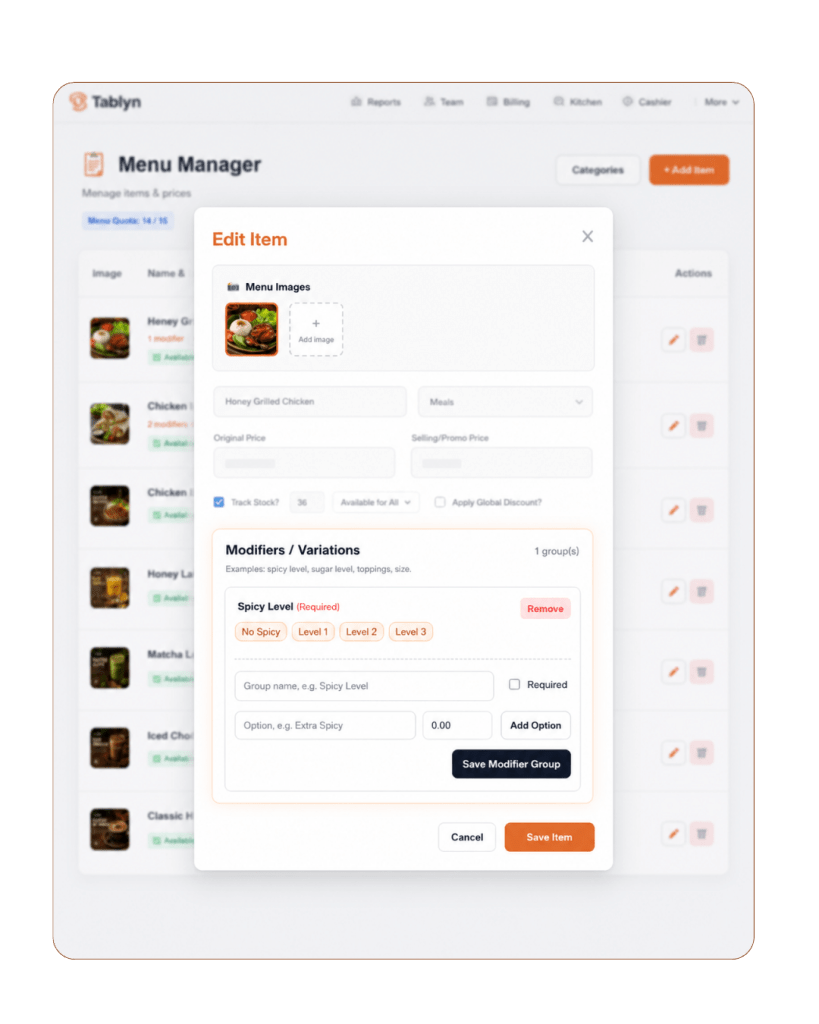
Manage your menu from one simple dashboard. These POS Features help you update categories, menu items, prices, stock, promo pricing, and item availability, so your restaurant can easily handle daily specials, limited stock, and sold-out items.

06

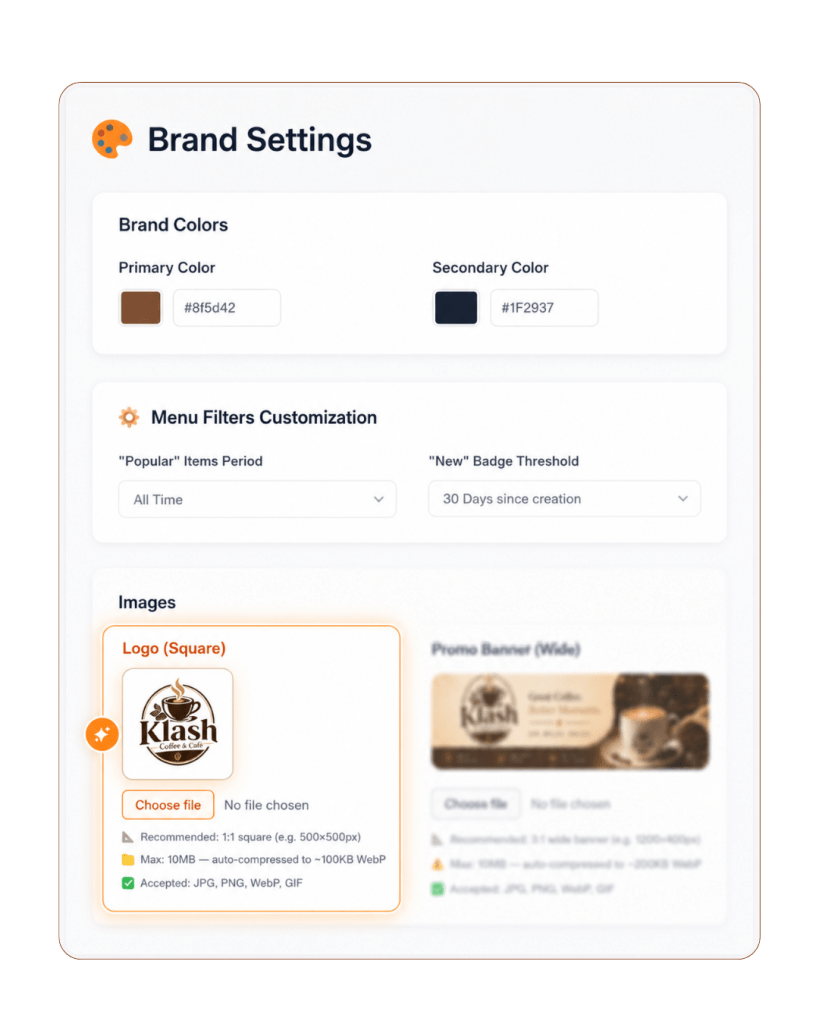
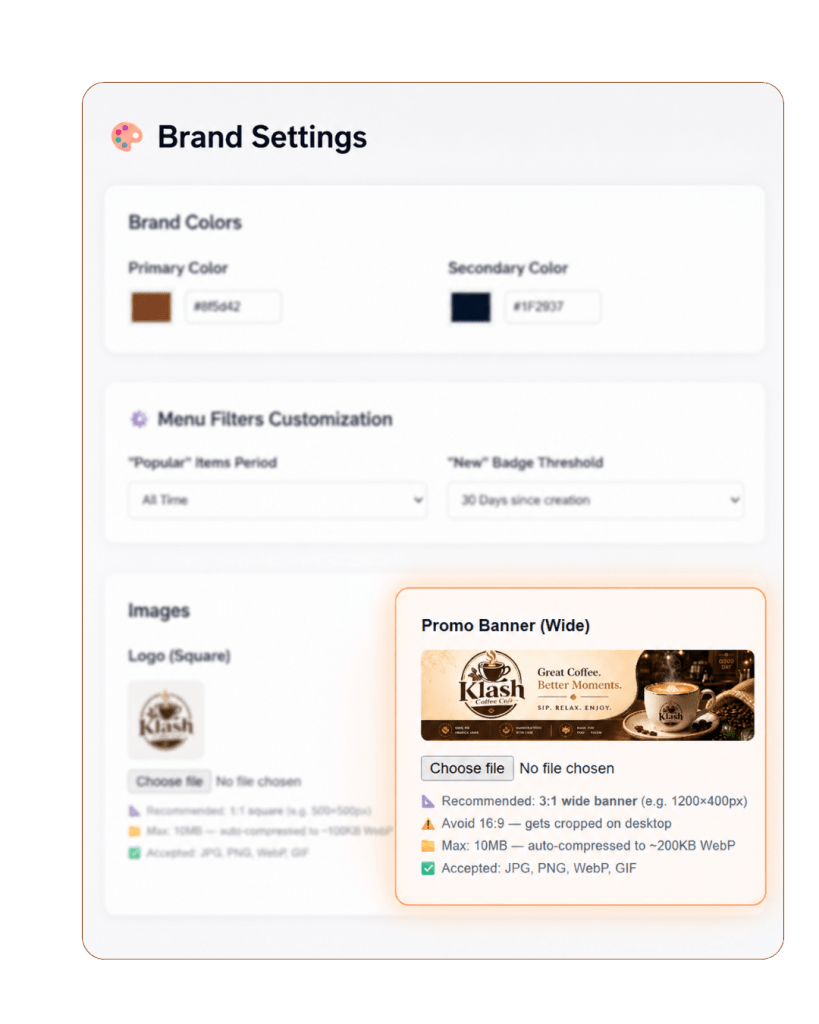
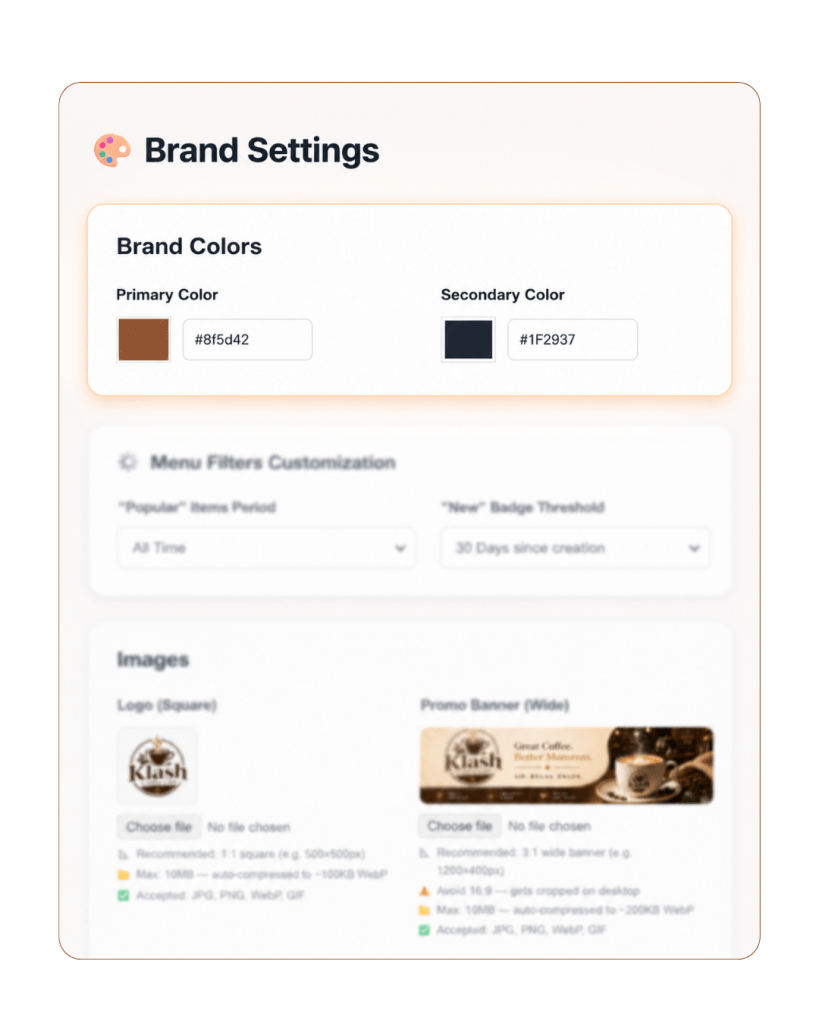
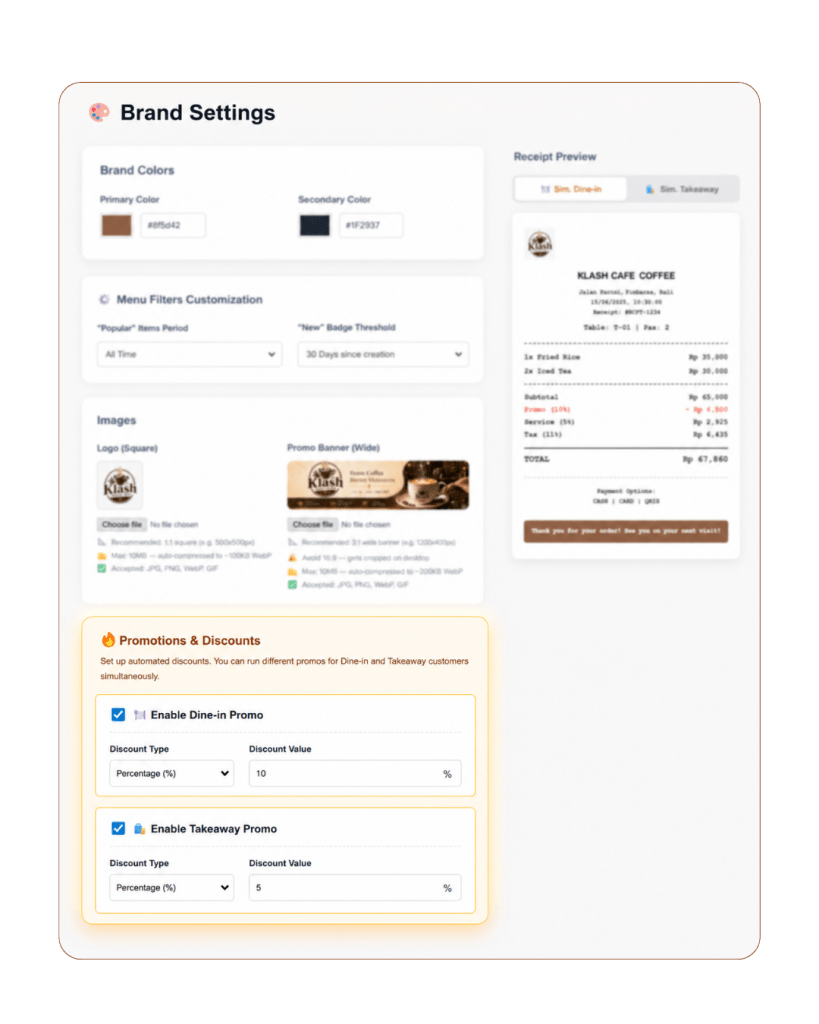
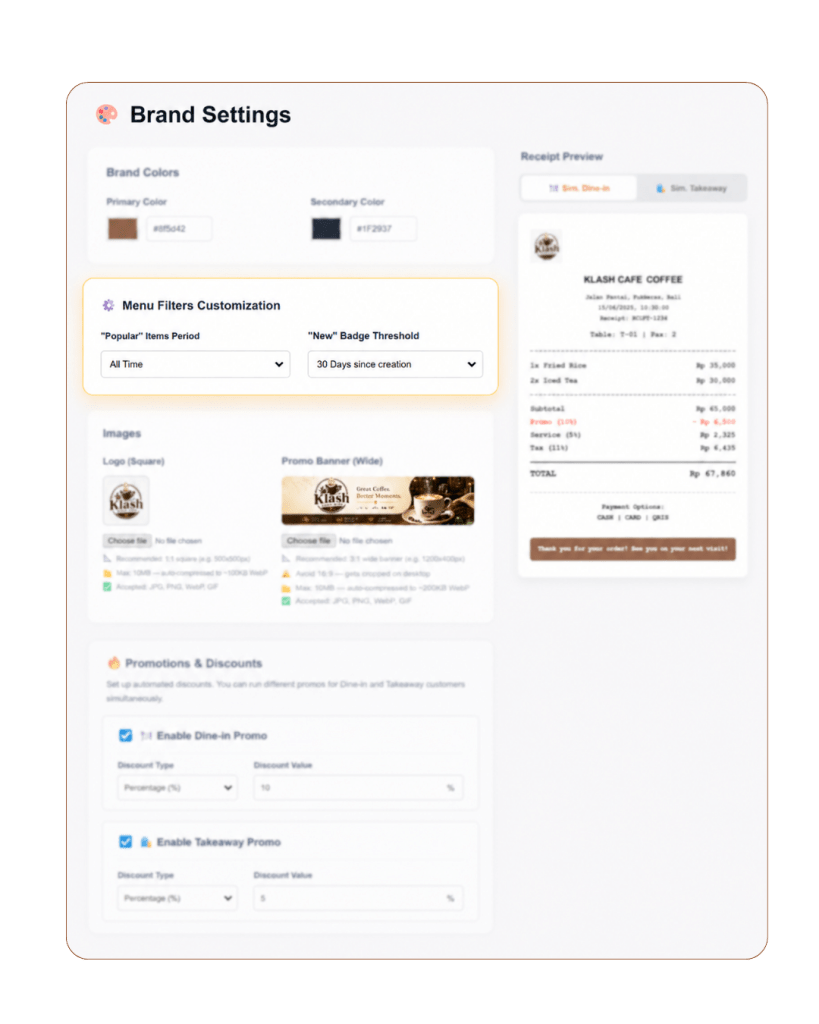
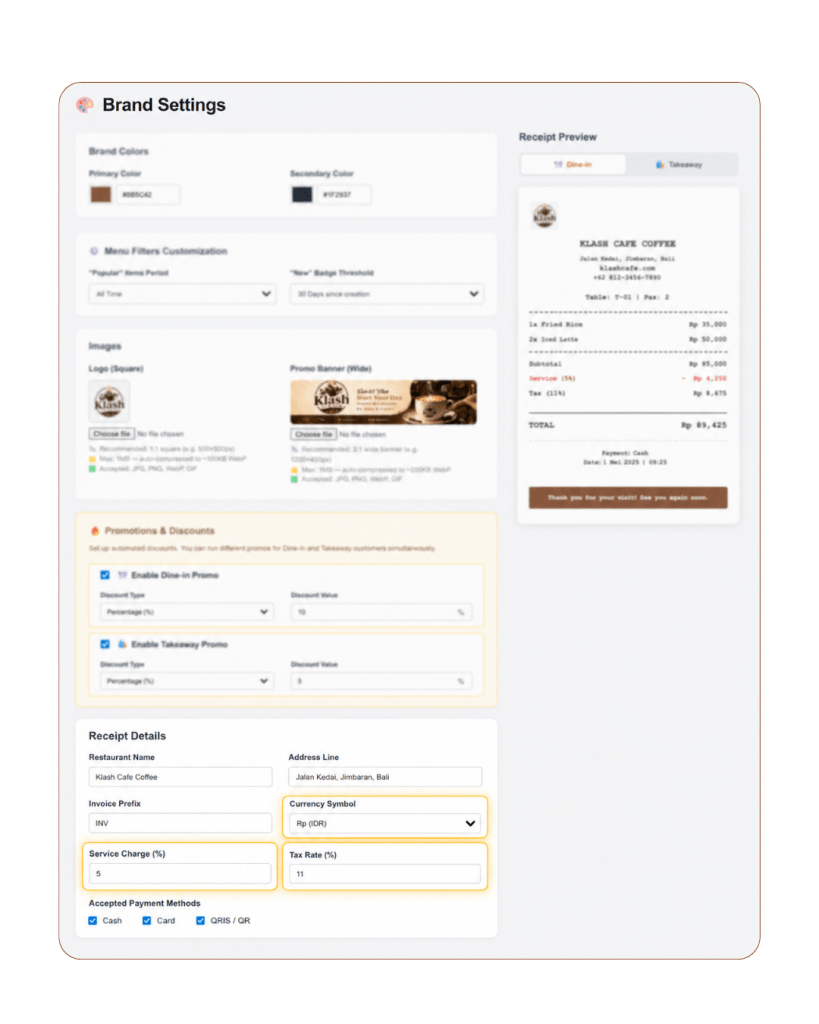
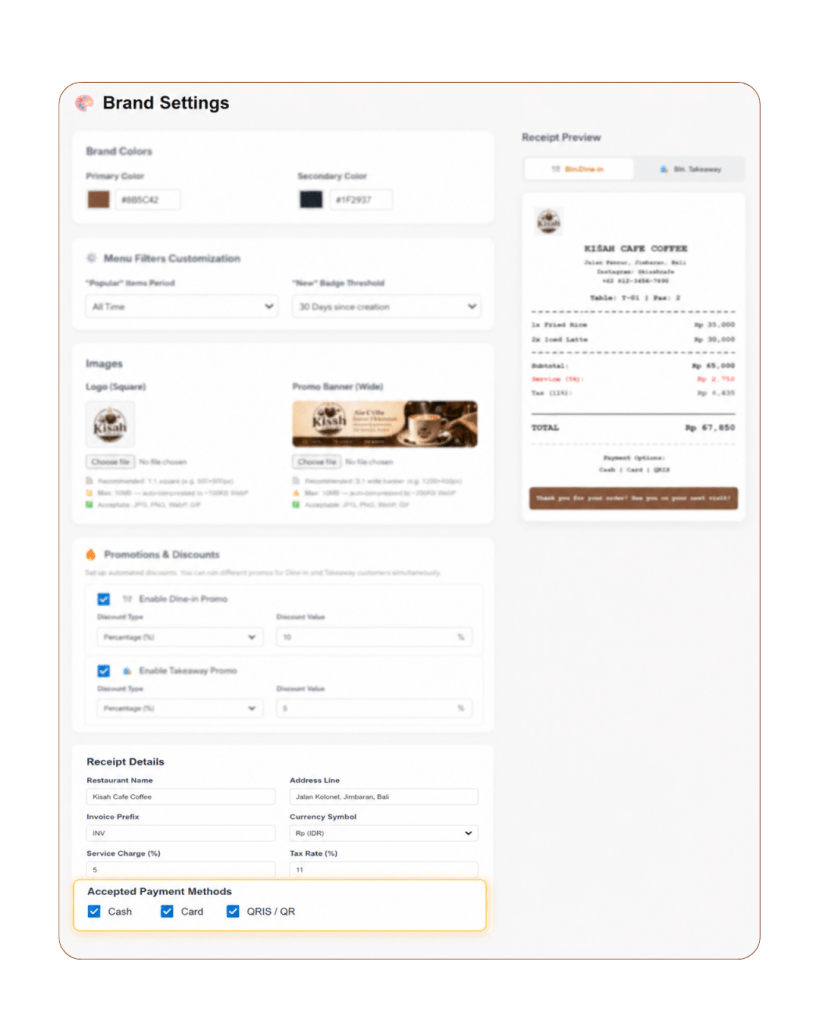
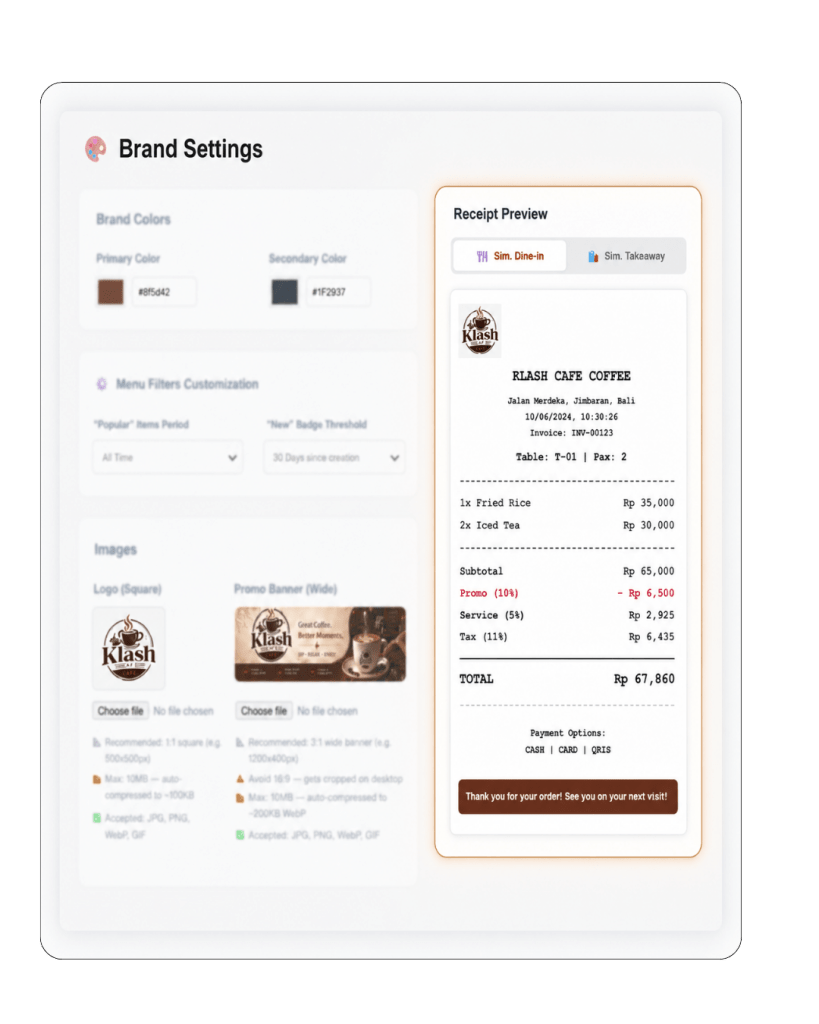
Brand Settings & Pricing Rules POS Features

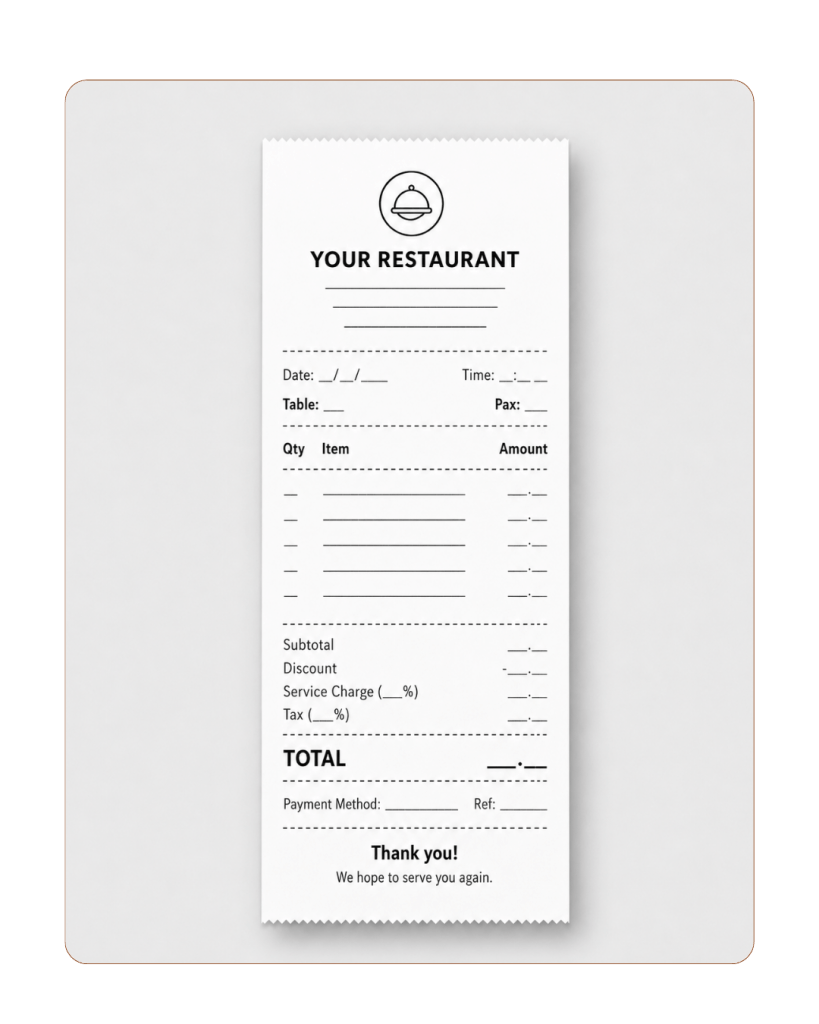
Keep your branding and pricing consistent across the system. These POS Features help you upload your logo, add a promotional banner, set taxes and service fees, and manage global pricing rules from one place.

07

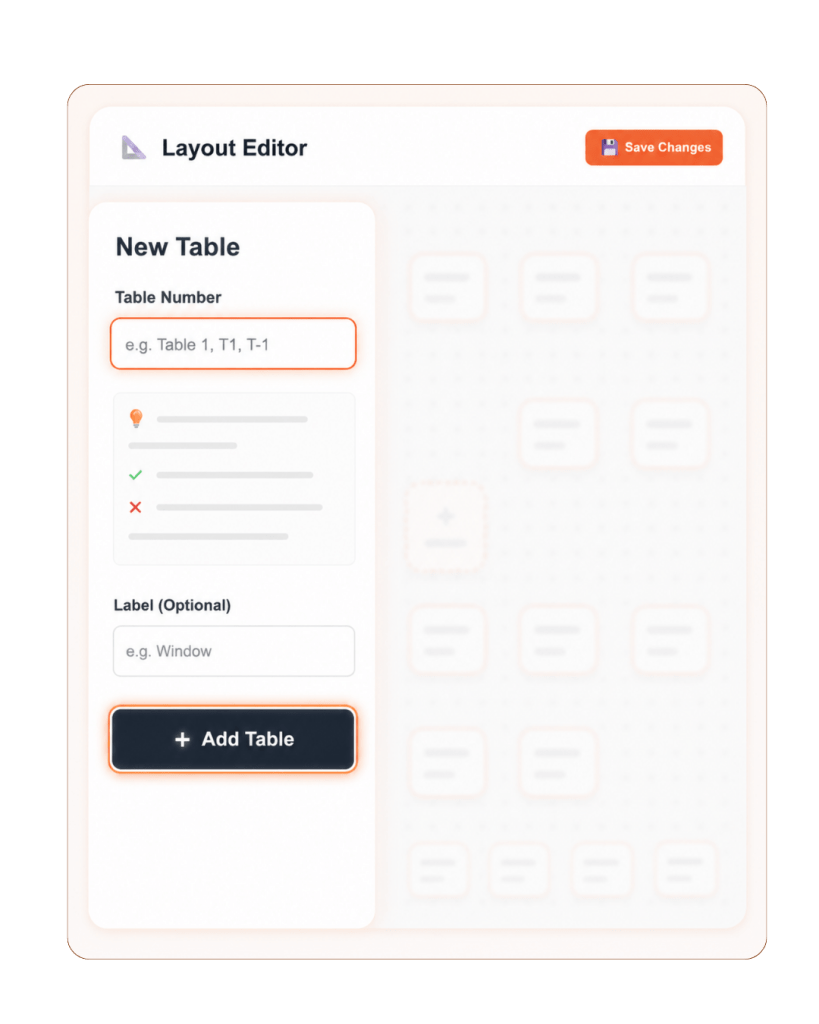
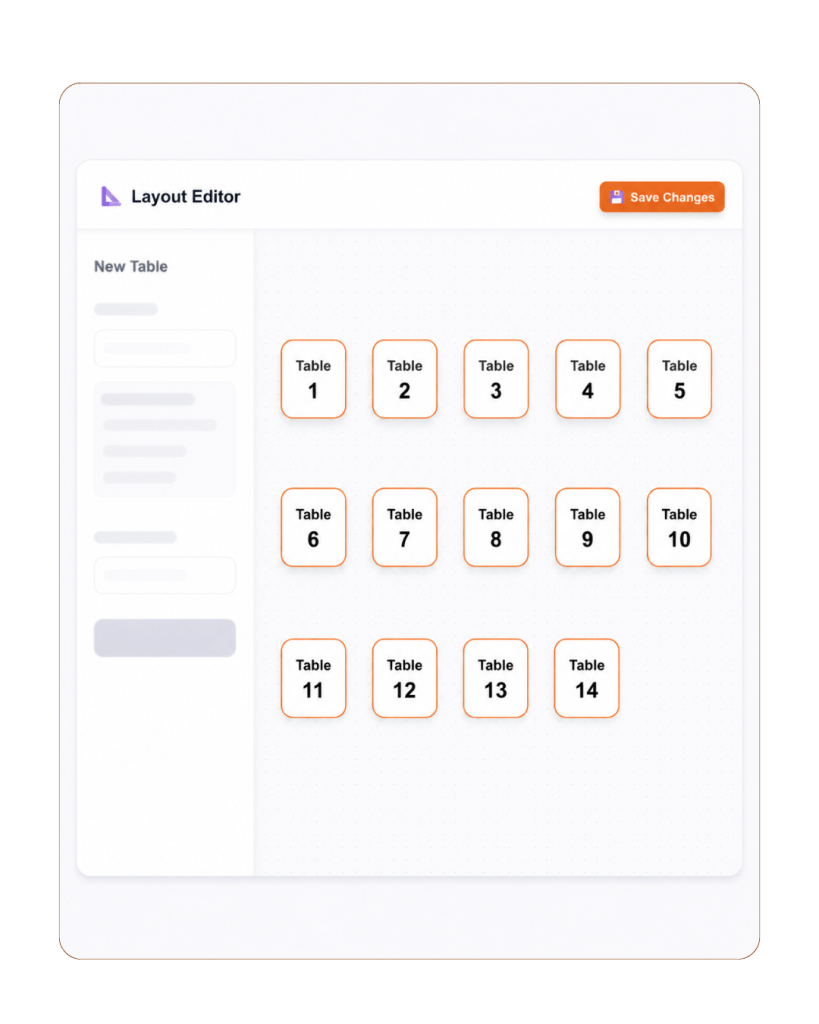
Table Layout & QR Management POS Features

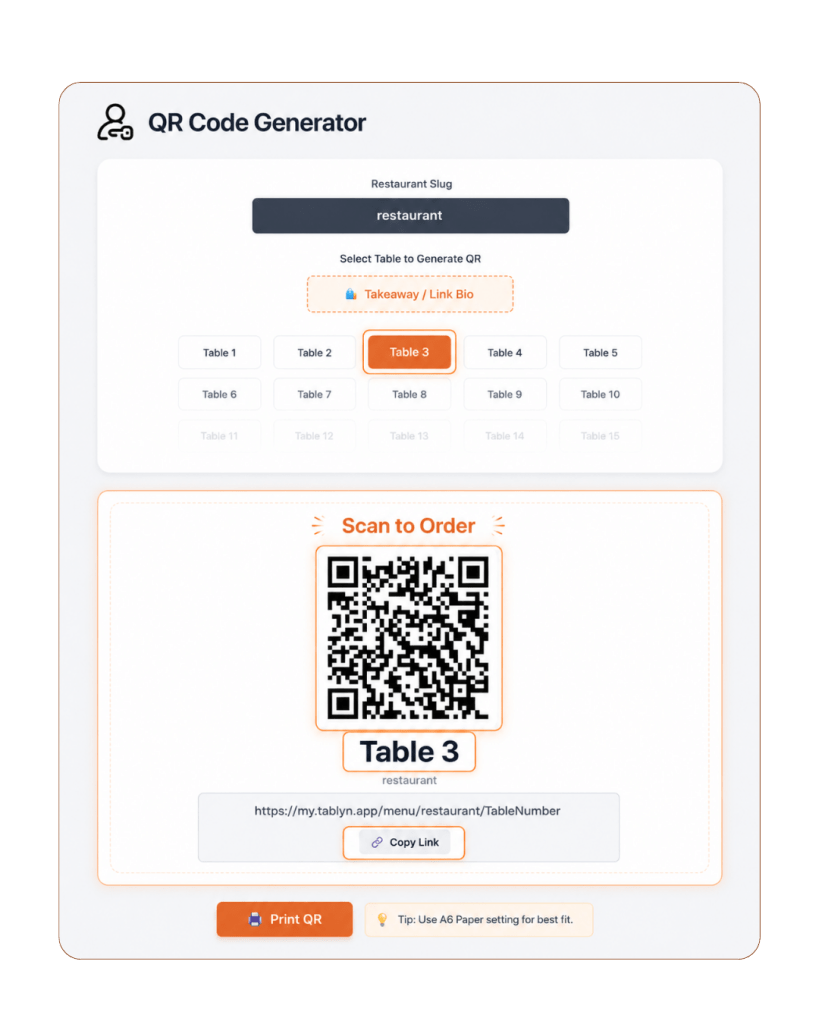
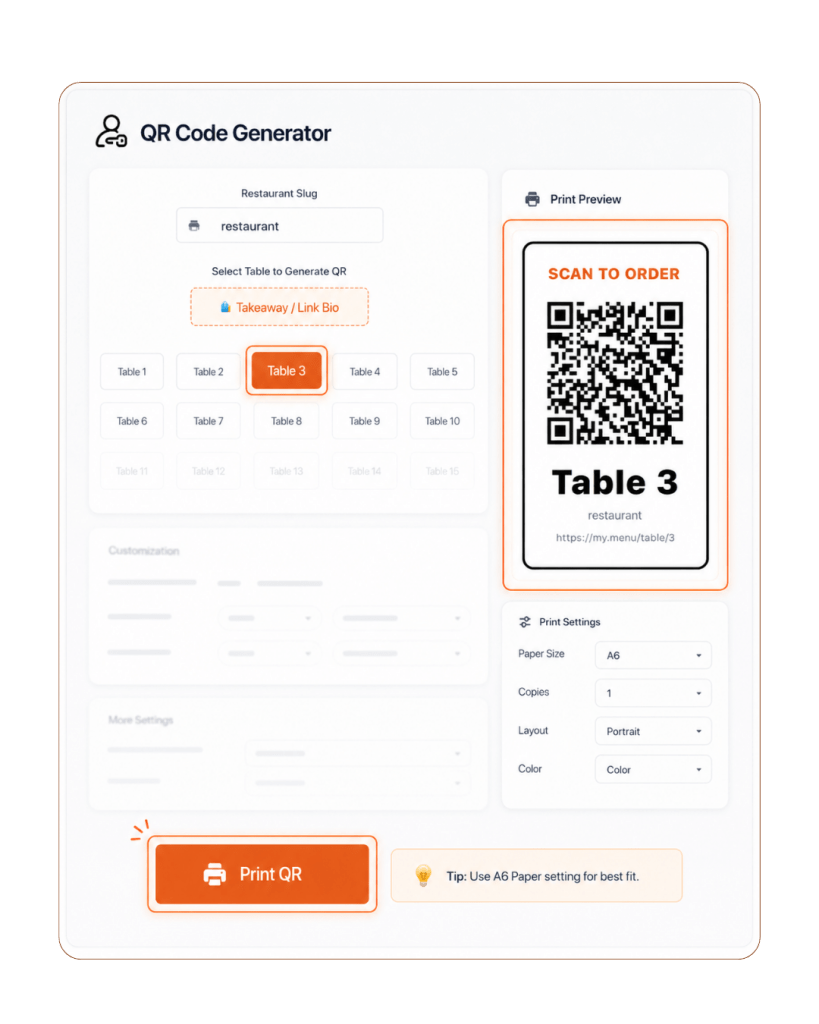
Organize your dining area and QR ordering flow from one place. These POS Features help you create table layouts, generate unique QR codes, and connect each dine-in order to the correct table automatically.

08

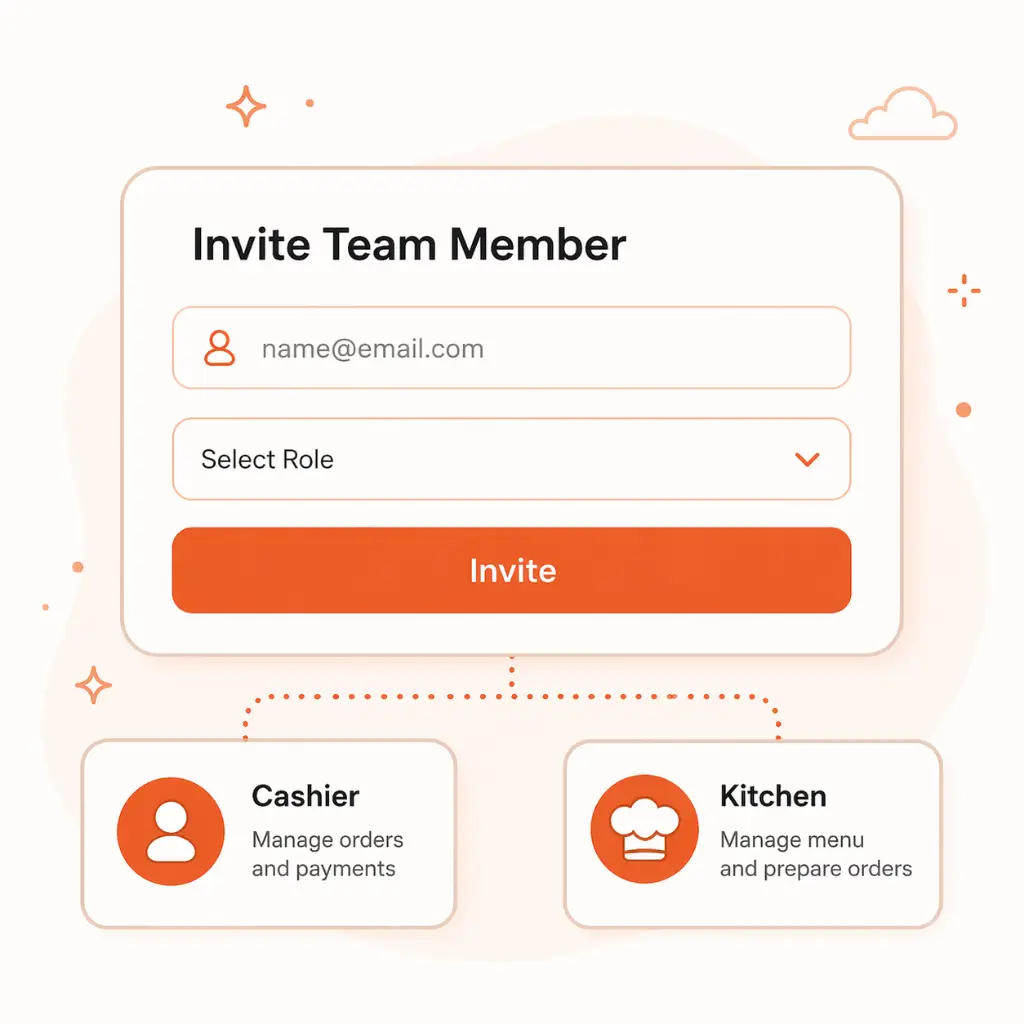
Team Management POS Features

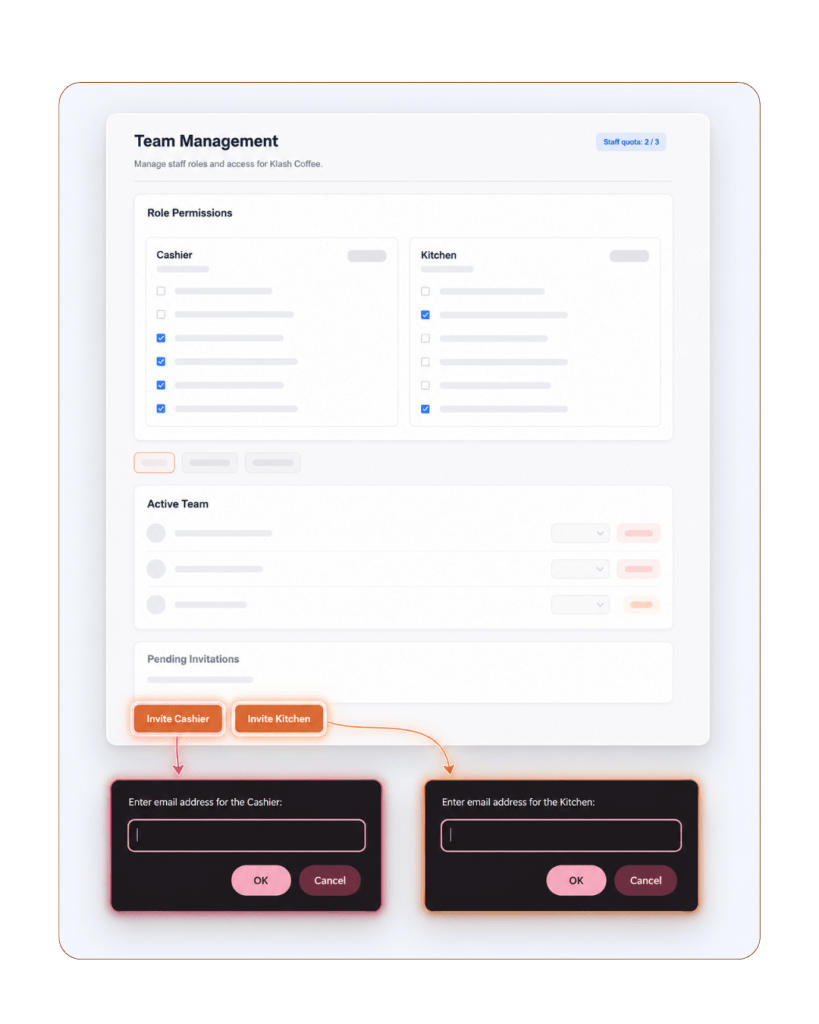
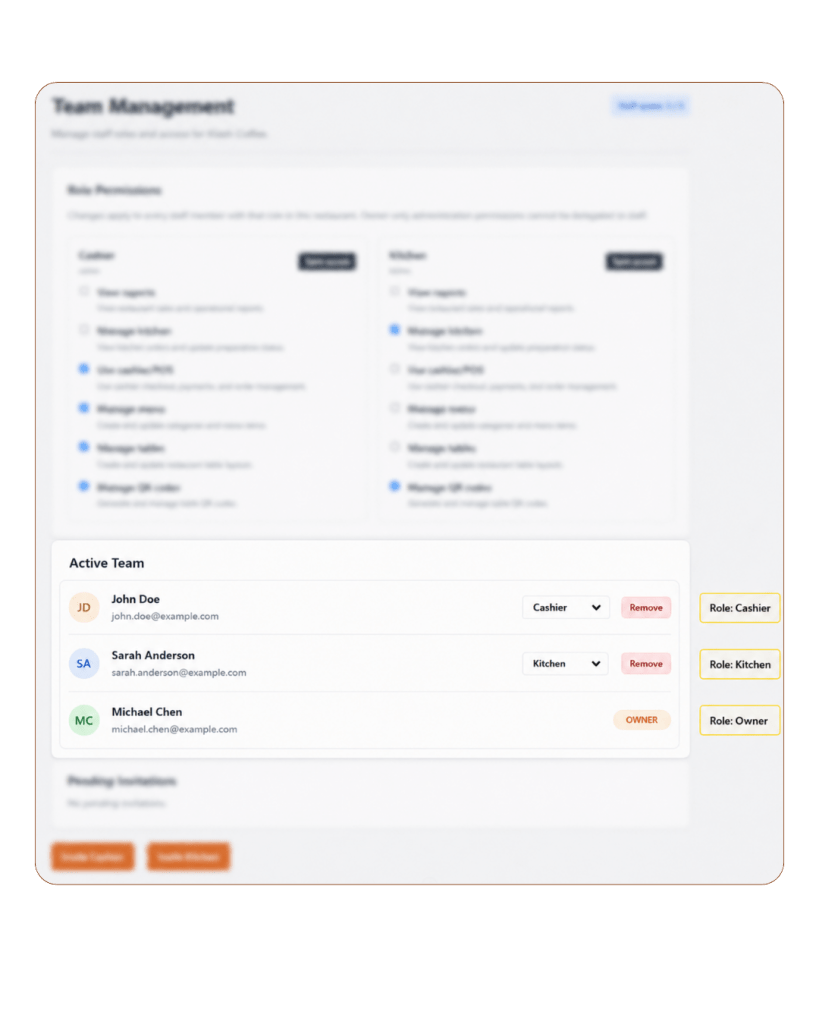
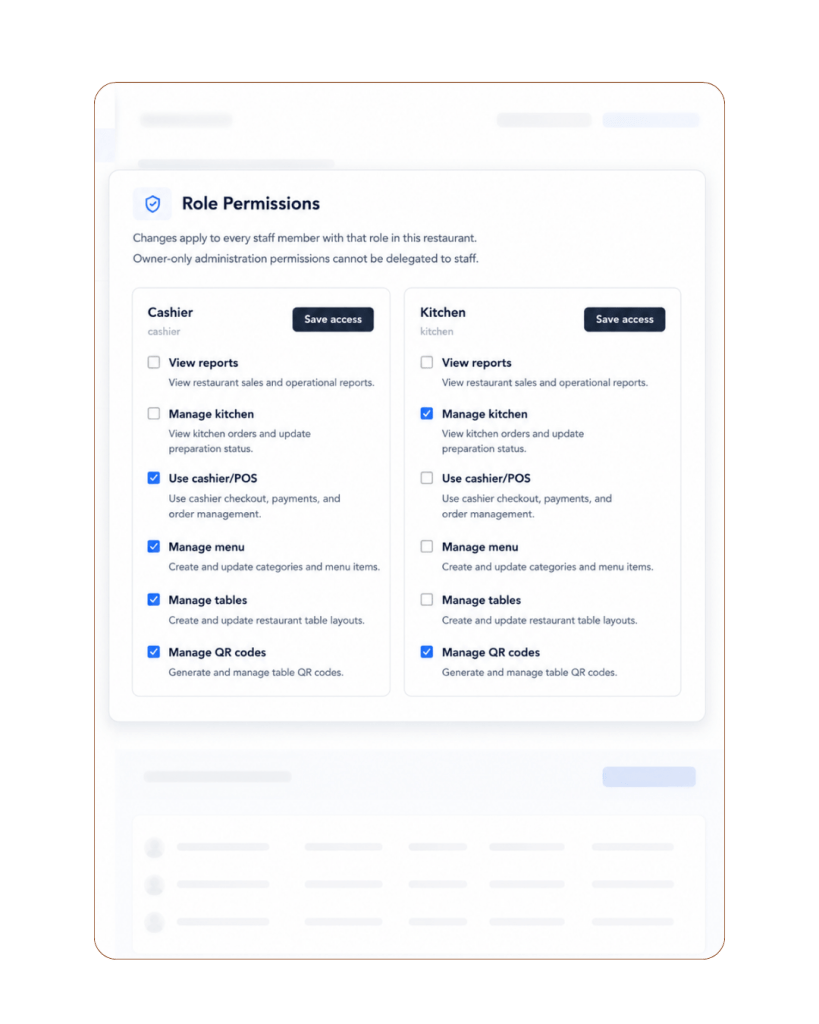
Manage staff access with simple role controls. These POS Features help you invite team members, assign roles, and give cashiers, kitchen staff, and owners access to the tools they need without opening unnecessary controls.

Practical POS Features for Real Restaurant Situations

Tablyn Restaurant POS Features

Offline Support

Keep serving even when internet is unstable.

Tablyn Restaurant POS Features

Dine-in &
Takeaway QR

Support table and takeaway QR ordering.

Tablyn Restaurant POS Features

Manual Cashier
Order

Add orders for customers who need staff help.

Tablyn Restaurant POS Features

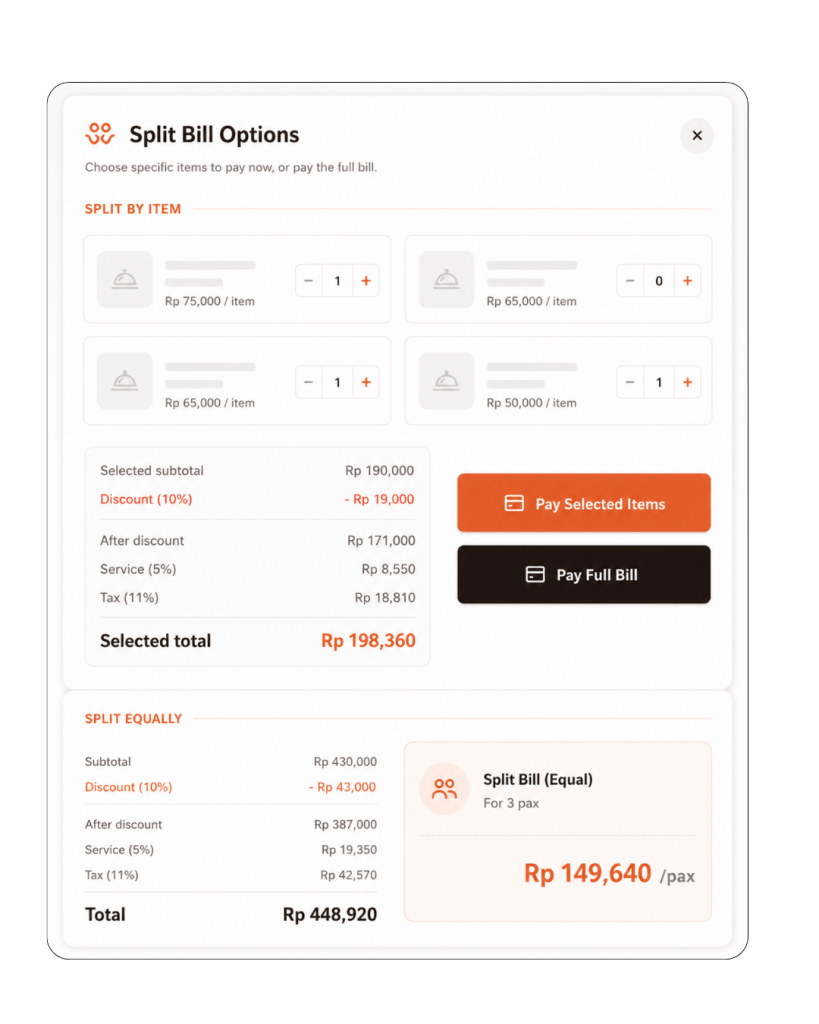
Split Bill

Split group payments easily.

Tablyn Restaurant POS Features

Stock Limit &
Sold Out

Stop selling unavailable items automatically.
Easy Setup, Ready in Minutes

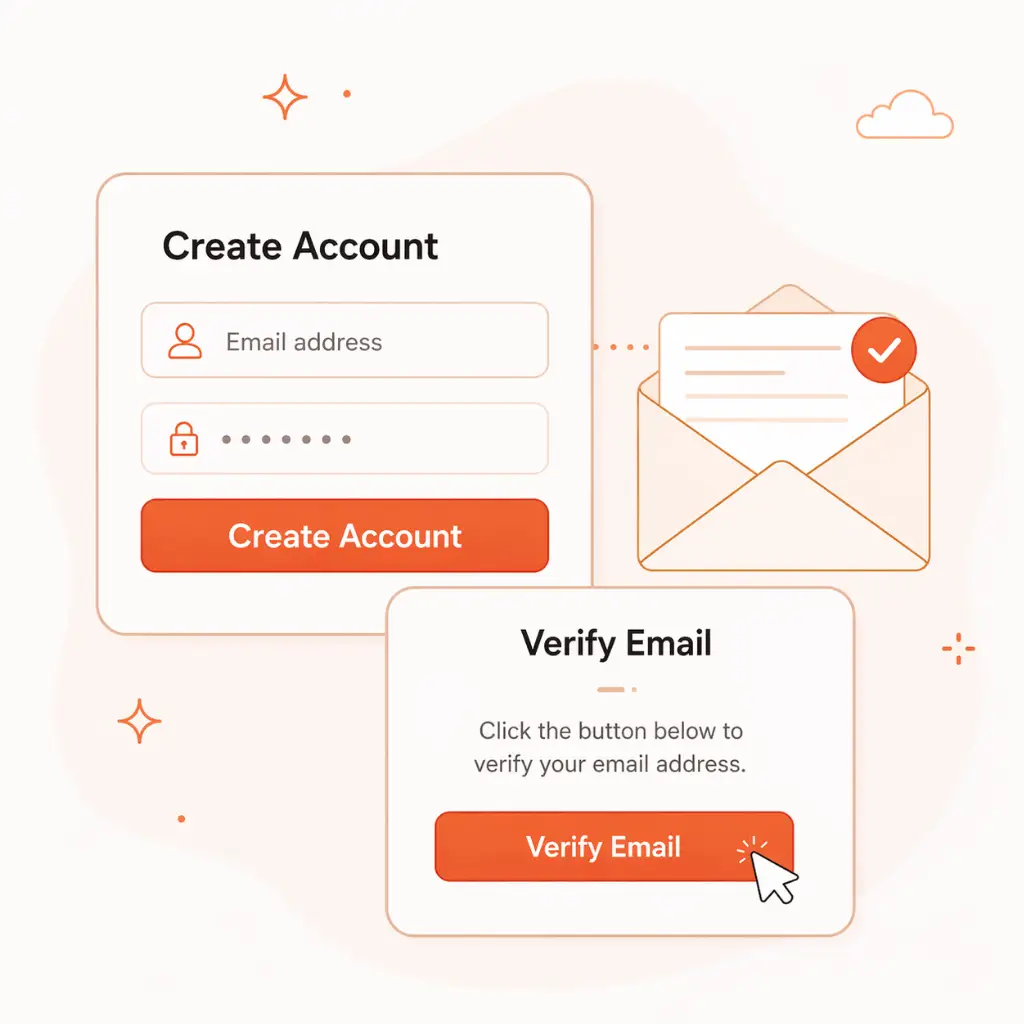
Start using Tablyn’s restaurant POS features without a complicated setup. Add your account, menu, tables, and team — then your restaurant is ready to accept QR orders, manage kitchen tickets, and process checkout.
STEP 01

Create Your Account

Set up your Tablyn account and verify your email so your restaurant workspace is ready to use.

Tablyn App - Barcode-Powered POS

STEP 02

Add Menu & Tables

Upload your menu, set prices, create table QR codes, and prepare your ordering flow.

Tablyn App - Barcode-Powered POS

STEP 03

Set Up Your Team

Invite cashiers, kitchen staff, or managers and give each role the right access.

Tablyn App - Barcode-Powered POS

STEP 04

Start Managing Orders

Accept dine-in and takeaway orders, send them to the kitchen, and process checkout from one connected POS system.

Tablyn App - Barcode-Powered POS
Tablyn Restaurant POS Features

Explore POS Features Built for Real Restaurant Needs

See how Tablyn’s POS features help you manage orders, kitchen flow, cashier tasks, and daily operations in one connected system.